All data displayed brought back again from the Shinken server
State Summary
Current element status (like status widget with context)
The time elapsed from the last check and the next scheduled check for the element.
Clicking this button schedule an instant check
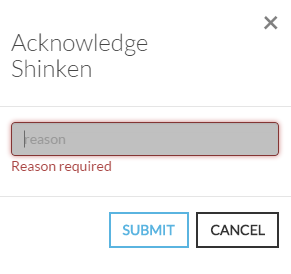
Clicking this button open a modal form to acknowledge the current status of the host. The acknowledgement informs that the current status has been seen by somebody, this is why a reason in form is required.Image Added
A gauge informs if the element is flapping and how
The last zone on the right, informs the user when the state changed. It precise the old and new status and the exact date and time.
Image Added
Info : The HUD name comes from devices used in piloting fighter planes displayed on transparent screen facing the driver or directly in the helmet visor.