Overview
The manage tab is split in 2 rows :
- Action buttons
- Downtimes scheduled
An error could be displayed if the backend server has a gap of more than 30 seconds with the client.
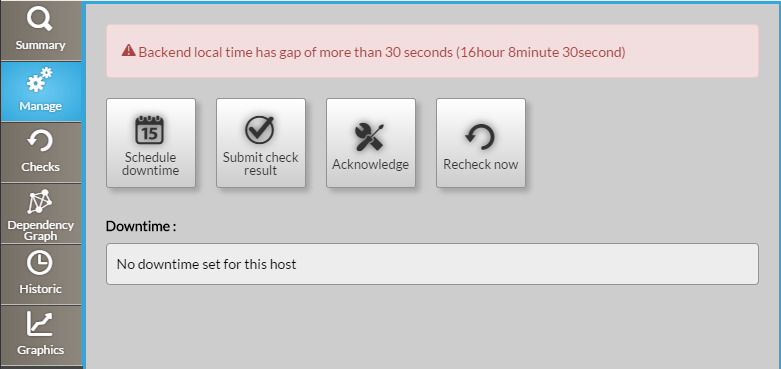
Action buttons
Schedule downtime
This button opens a modal form to define a downtime period for the host :
The form presents two calendars and two hour selectors, you have to defines a Start and a End for the downtime period.
A comment can be written to precise to other users the reason of the downtime. | 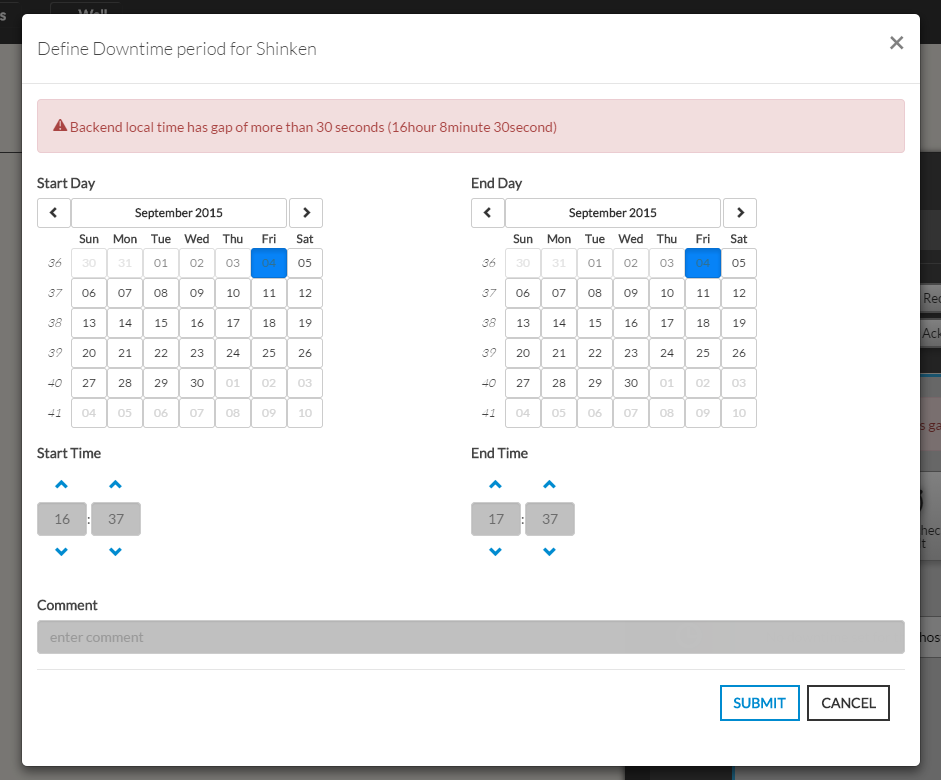 |
|---|
Submit check result
This button opens a modal form to force the status of the element :
You have to select a status and give an output. On submit, the element status will update with your selection and the new output will be displayed in the Summary tab | 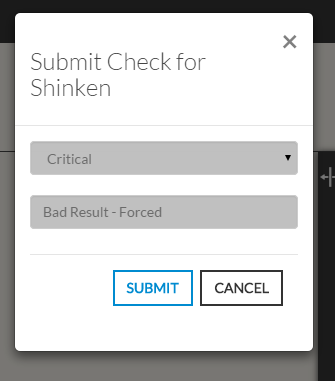 |
|---|

...