List
You can find the following list of widgets in Shinken Enterprise : |
...
...
...
ConfigurationEach widget which is added to a dashboard need to be configured in order to display what you need. It will be easy to locate un-configured widget: they are surrounded by a red hallow. Enter in Dashboard configuration mode and click on the gear icon (in the top right corner of the widget box) to open the configuration pop-up. Configuration options are différents per widget and will be detailed |
...
in each chapter describing the widget behaviour. | 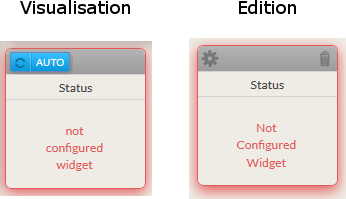 |
Delete | |
You can remove the widget by clicking on the garbage icon. | |
Delete
Favorite widget

In the hive, a tile can have up to 3 widgets summary displayed.
...
Note that not all type of widgets can be set as favorite.
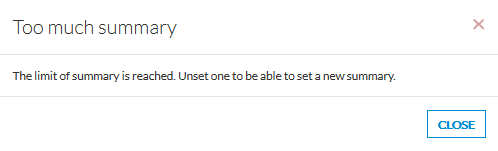
If you set more than 3 widgets as favorite, then the following popup will appear.