...
Create a new tilePlace the mouse on an empty alveolus and click in it. An empty tile with the default name will then be created. | 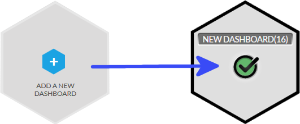 |
Move a tile / switch 2 tilesDrag a tile to the empty alveolus to move it. Drag a tile to an occupied one to switch both tiles. | |
Delete a tileDrag a tile and bring it in the garbage that appears at the bottom right corner of the screen. | 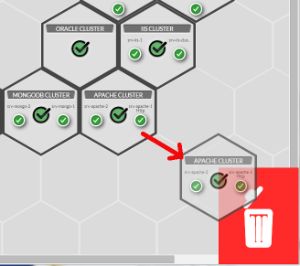 |
Open the Dashboard linked to a tileSimply click on the tile. |
Color Group
You will notice that some tiles have the same border color. You can set this color to tiles group. It is up to you to choose you organization. As an example, you can choose a color to differentiate data centers. This color can be set when editing a tile (see Dashboard chapter).
The image show you the example of the green group. | 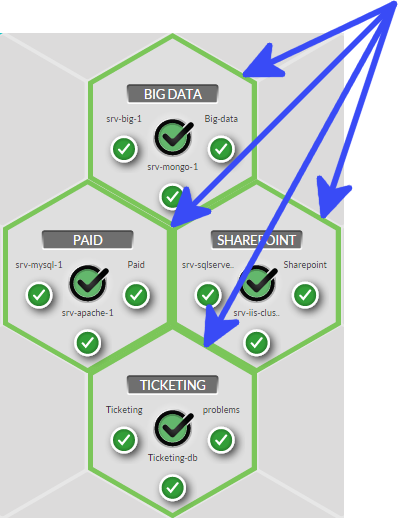 |
...