Visualize 1 metric of a check for the last 24 hours (like CPU, RAM, response time, …) of a service from a chosen host.
Configuration:
- Open the configuration box:
- Select the host.
It will fill the check area with all available checks with metrics.
|
...
- Select the checks.
It will fill the metrics area with all available metrics.
|
...
 Image Removed
You can also - activate the display of warning and critical limits (if set in the configuration for this metric).
- Define the maximum and the minimum value displayed on the graph.
For example, if you set a value a 75 and the metric has values like 125, only will be displayed values under 75.
| 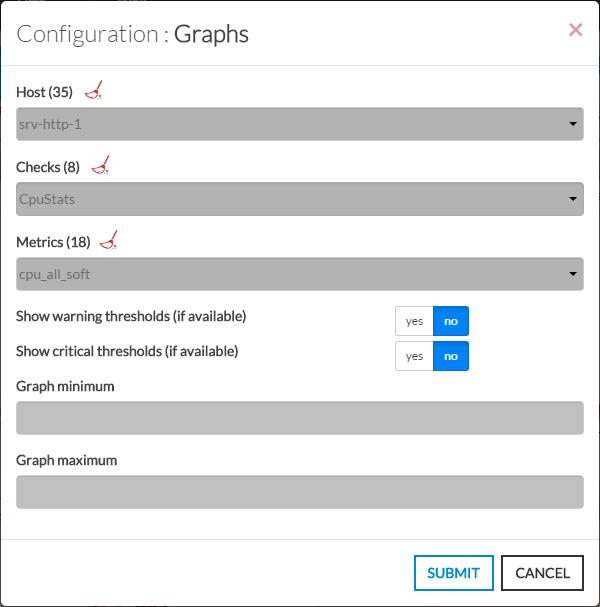 Image Added Image Added |
Graphs concerning this metric will be displayed.
- Move the mouse on the graph to display the value of each checks on the services.
- Up to 1 day values will be displayed in the graph.
Example:
Graphs for the check [srv-mysql-1/Mysql-connection/connection_time]:
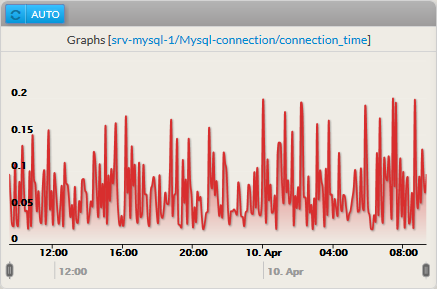 Image Modified