Home Page Overview
Once connected, you will be redirected on the Home page of the Configuration Tool.
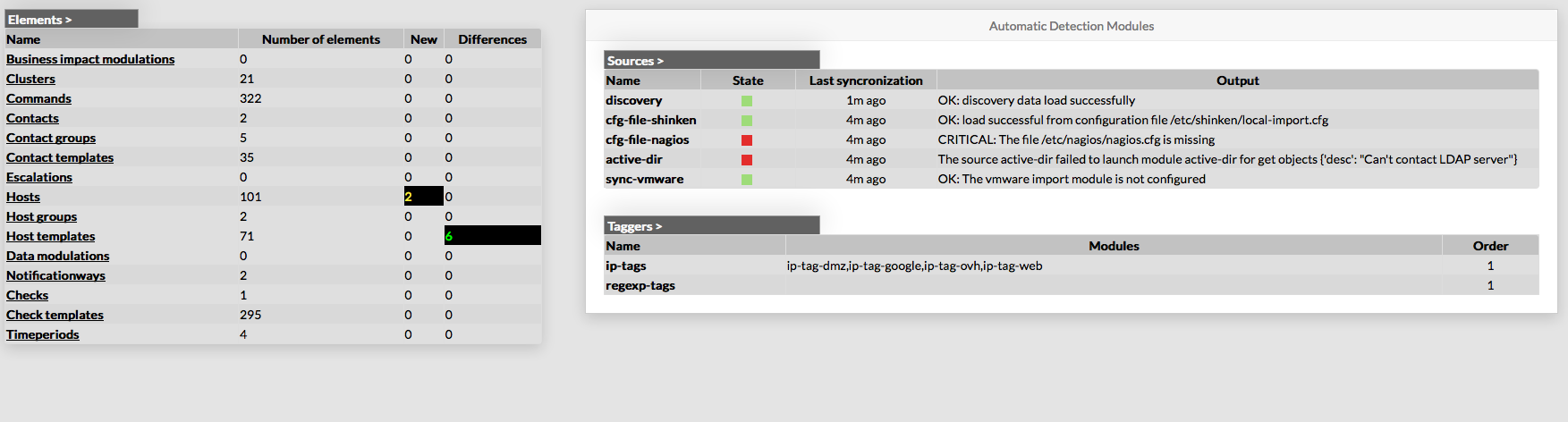
The home page is divided in two panels :
- Elements overview panel
- Automatic detection module panel
Elements Overview
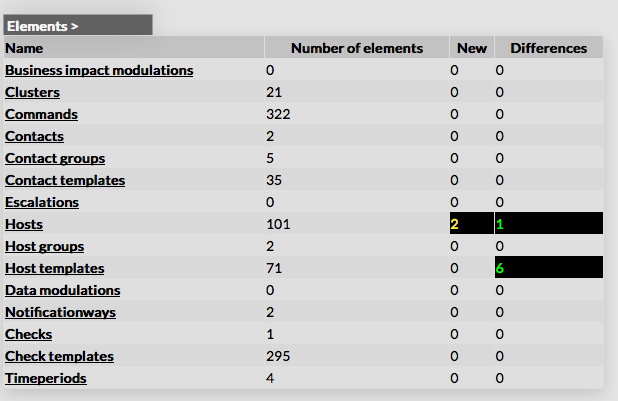
This panel shows a table containing all type of configuration elements.
For each type, following values a given :
- Number of elements
- New elements detected
- Differences detected
Each name of list is a link, giving direct access to the configuration of selected element.