...
- To come back to the monitored element, press on the reload button.
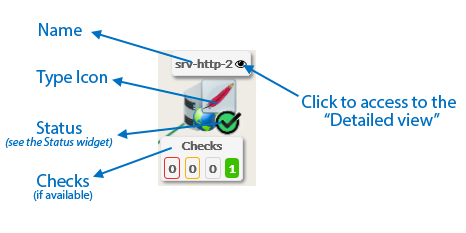
- An element is composed of 4 parts:
- Its name.
...
...
Checks will be displayed in 4 boxes below sorted by their status (Critical, Warning,
...
Unknown,
...
OK).
You can access to the “Detailed view” of this element by clicking on the eye icon.
If, in the dependency graph, there is some element not in “OK” state, they will be listed in at the bottom of the graph. | 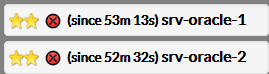 |