...
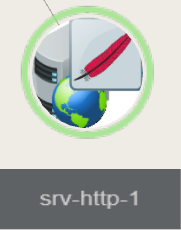
(For a host having a Apache host, the icon will be the feather)
Usage
- The double click will zoom and center the view on the selected element.
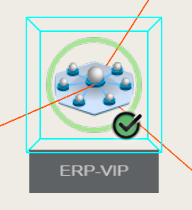
You will have a blue box surrounding Double click to pan and scan to the selected element,
a blue wired box will surrounds this element. - Maintain the With left mouse button pressed and down, move the mouse
to make a rotation of the tree from orbit around the selected element. - Maintain the right mouse button pressed to shift the tree in the 4 directions.
|  |
| | |
...