...
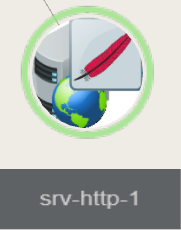
(For a host having a Apache host, the icon will be the feather)
Usage
| | |
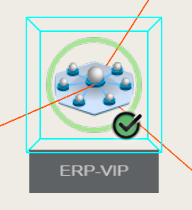
- Click on an element, a blue wired box will surrounds, indicating it's now selected.
- Double click to pan and update zoom level according to the selected element.
- Keep left mouse button pressed then move the mouse to orbit around the selected element.
- Keep the right mouse button pressed then move mouse to pan view.
|  |
| | |
...