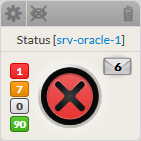
- The name of the element
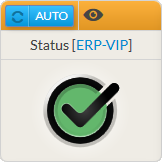
- The status and it context (see Monitoring logic for more details)
- Notifications sent:
- Notifications can be configured in Shinken administration UI in case an element becomes WARNING or CRITICAL.
- So if notification has been sent for this element, an envelope will be displayed with the number of notification on the right.
|  |