...
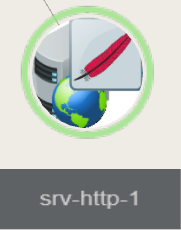
(For a host having a Apache host, the icon will be the feather)
Usage
Select an element:Click on an elementit, a blue wired box will surroundssurround, indicating it's now selected. Center an element in the view:Double click to the element, the view will pan and update zoom level according toaccordingly. Orbit around the selected element.KeepWhile keeping left mouse button pressed then, move the mouse to orbit around the selected element. KeepPan View:While keeping the right mouse button pressed then, move mouse to pan view. |  |