Description
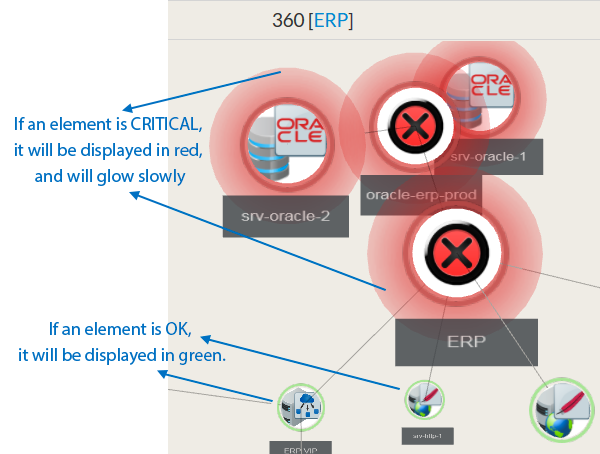
The aim of the widget 360 is to provide a 3 dimensional view of a host dependency tree. Even if navigating in 3D is not easy, this widget can be very usefull for complex dependency tree:
- Not all situations can be displayed in the Dependency Graph Widget.
- It can also provide a clear overview of the tree while you will need
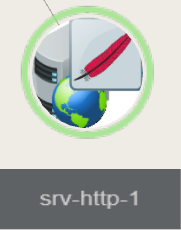
Each tree node contains the following information of the host:
|  |
From the chosen host, it displays in 3D the dependency tree up to 10 jumps (dependency links between elements defined in the UI Configuration)
| Warning | ||
|---|---|---|
| ||
Only hosts are displayed but if a check on the host is in critical or in warning state, the host in the 360 widgets will also be displayed in the same state. |
Usage
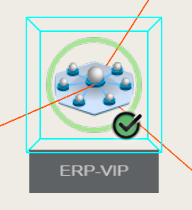
Center an element in the view:
|  |
Orbit around the selected element:
Pan View:While keeping the right mouse button pressed, move mouse to pan view. |