...
In our exemple, the ERP dashboard consists in 8 boxes that contain information of the concept we want to monitor.
We call these boxes widgets Widgets (see widgets chapter for more details).
...
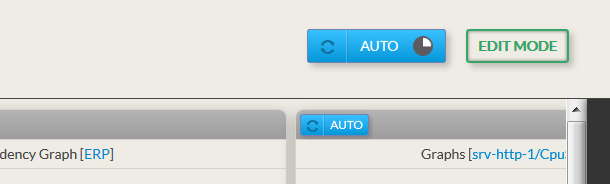
- By default, the refresh is automatic and will occur every 60 secondes.
- The When in automatic mode, the button is in blue,.
- Next to auto, the timer is indicating when the next reload will be done.
|  |
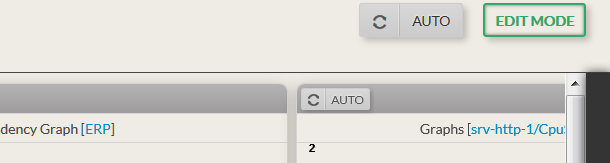
- You can desactivate the refresh by clicking on Auto
- The button and all similar button in widgets will become grey.
|  |
Force a Reload- Click on the left part of the auto button (the refresh button)
| 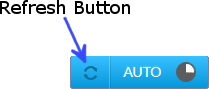 Image Added Image Added |
Enter in Edit Mode- Click the “edit button” on the top left corner .
|  Image Removed
 Image Added Image Added |
Edit Mode
You can visually organize the dashboard as you want, like changing the layout of widgets, add widgets,...
...