Overview
When accessing the Hosts Configuration Page, Administrators see an Host Table, listing all Hosts objects. This table contains the following informations :
| 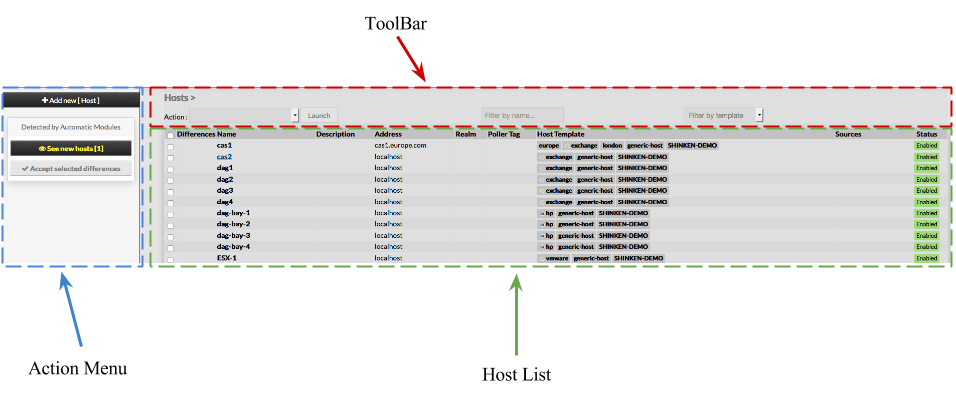 |
This page also provides, on the left, an action Menu, used to :
| |
On the top of the table, A tool bar let Administrators the ability to :
|
Create a new Host
| To create a new Host, use the button "Add new [Host]" located in the Action Menu |
|
Host creation form will be displayed. This form is composed of tabs, corresponding to categories of properties :
| 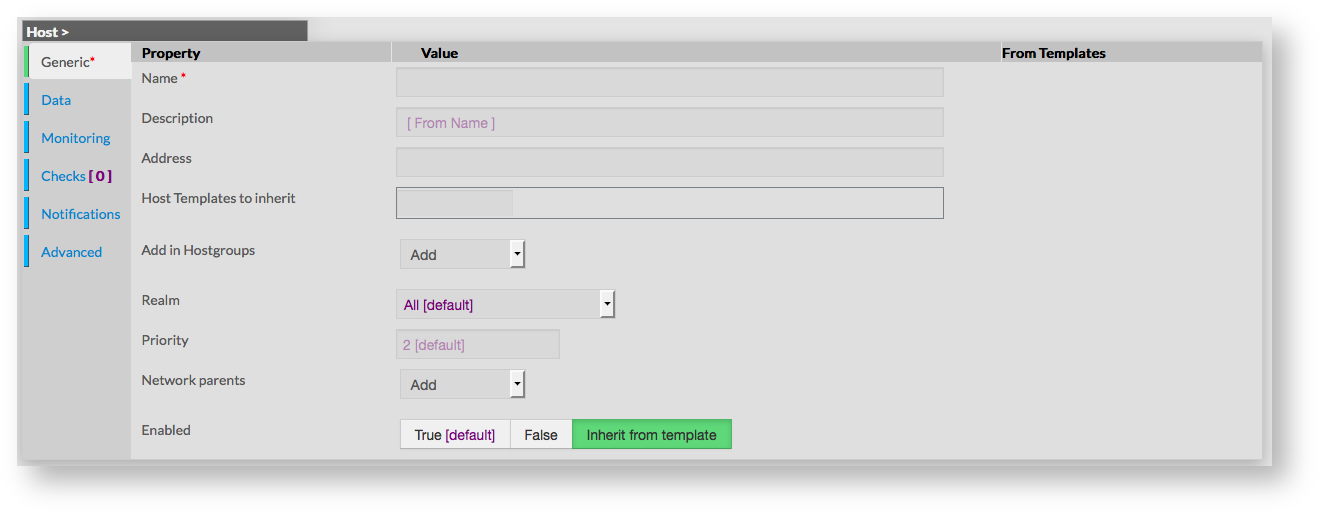 |
The left menu give to Administrators the ability to :
|  |
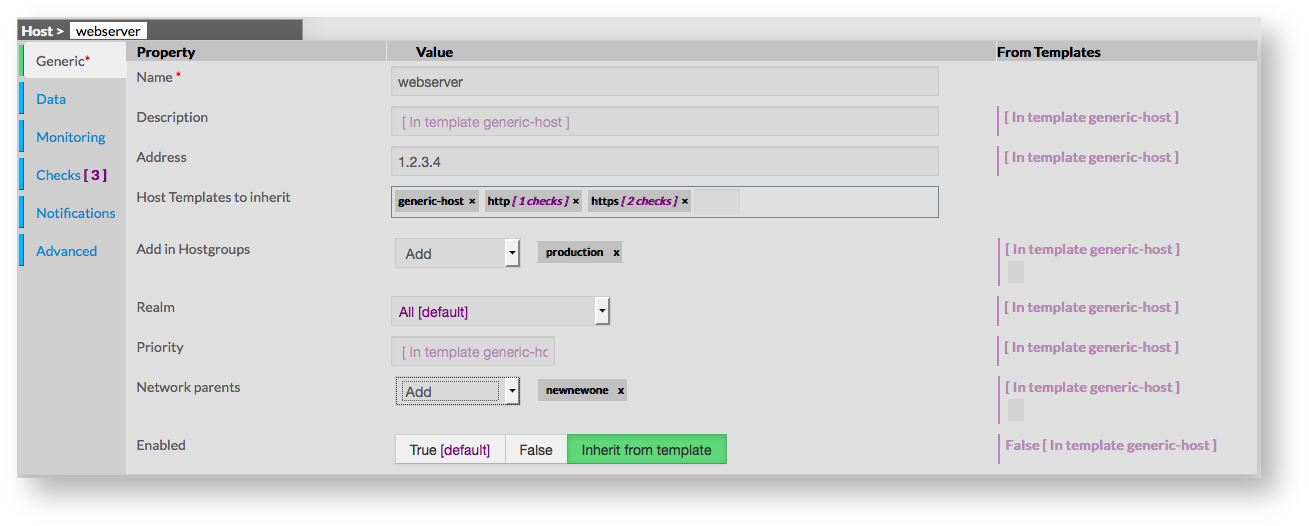
For each category, a corresponding form is displayed. 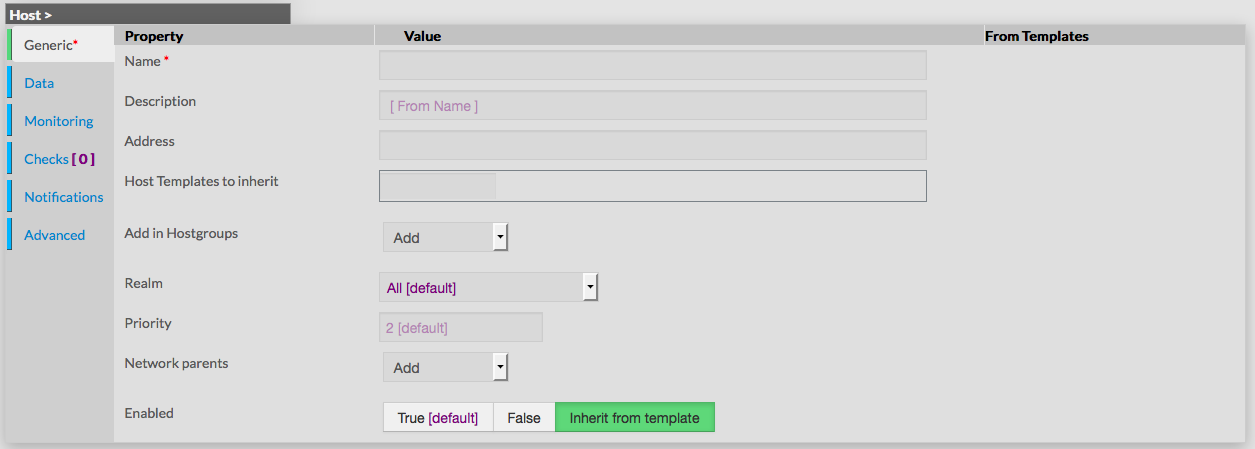 GenericGeneric properties contains the minimum properties requiered to create an Host :
|  |
Data | |
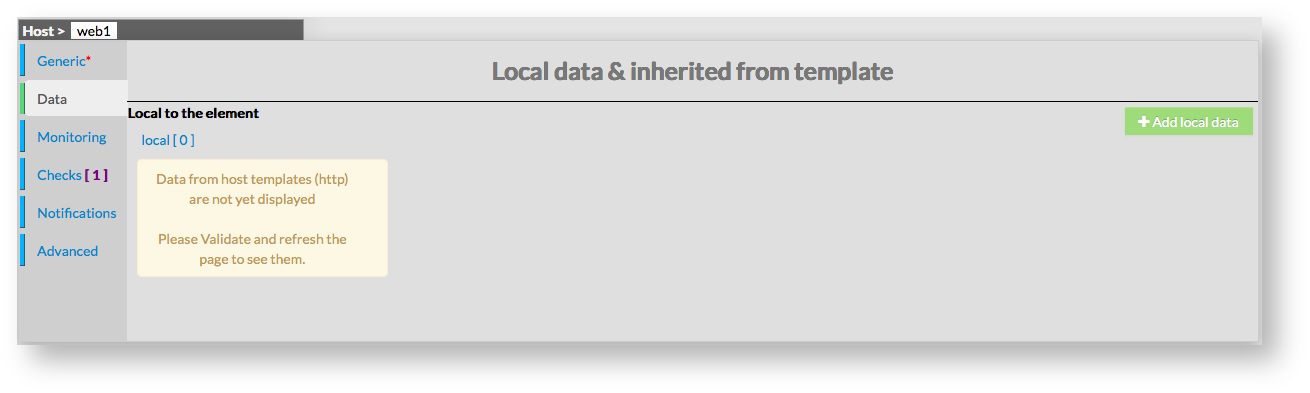
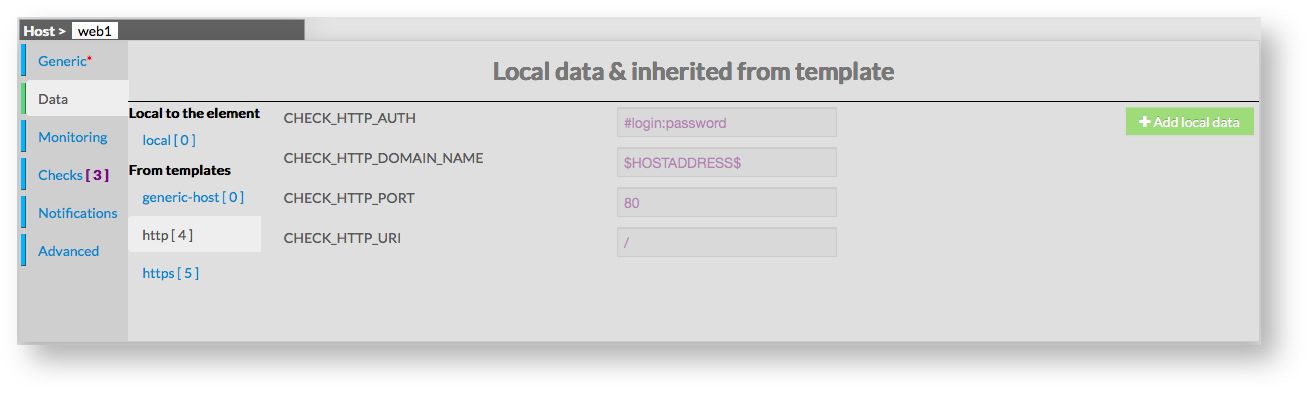
Data is used to show and create variables used by Shinken to perform checks. Those values are also called Macros. As shown on the picture, when creating a new host, no data are available, even if the new host inherit from Template.
|  |
| To see data that will be applied to host, it is necessary to first validate the new host, and come-back to its configuration. | 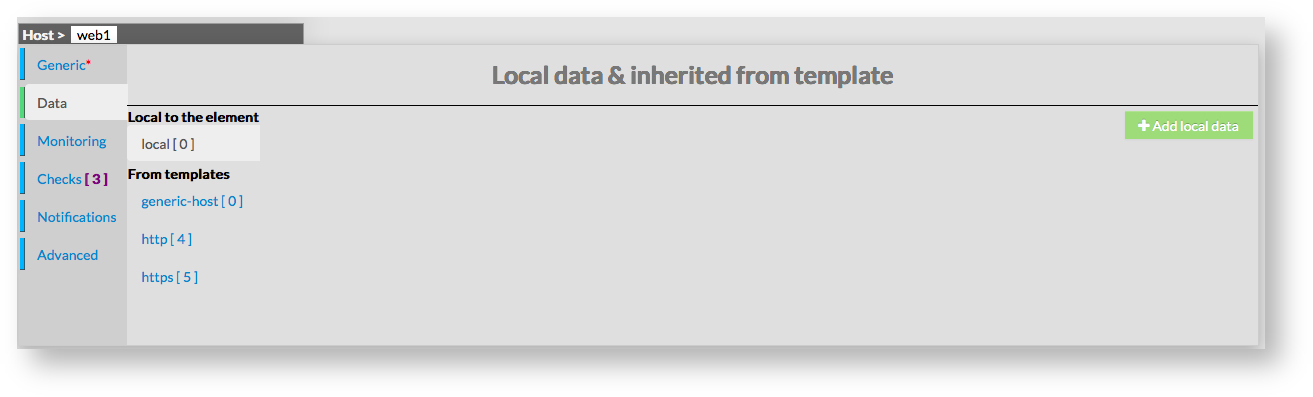 |
Data are displayed in two sections :
Data from templates are seperated by template names. This allow Administrators to see what and where data have been get.
|  |
Monitoring
Checks
Notifications
Advanced
