...
Action buttons
Button schedule downtime
| 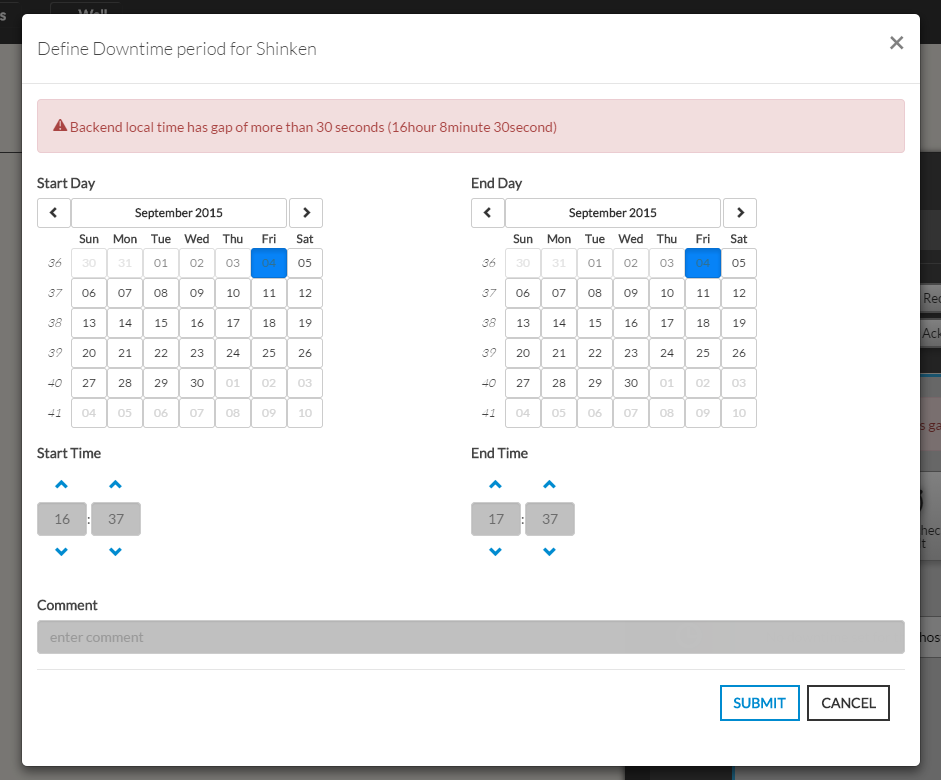 |

Button Submit check result
|

...
On submit, the element status will be updated with your selection
and the new output will be displayed in the Summary tab.
The new "forced" status will only be valid until the next check. | 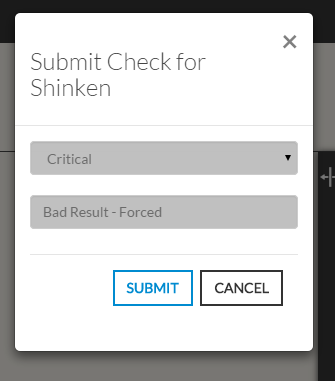 |
Acknowledge |
- Click this button opens a modal form to acknowledge the current status of the host.
The acknowledgement informs that the current status has been seen by somebody, this is why
a reason in form is required. - This button opens the same modal form explained in Hud (State Summary : 4 )
Recheck Now
This button schedules an instant check like the button explained in Hud (State Summary : 3)
...