Layout of the edition page
Every page for elements configuration are organized in the same way. 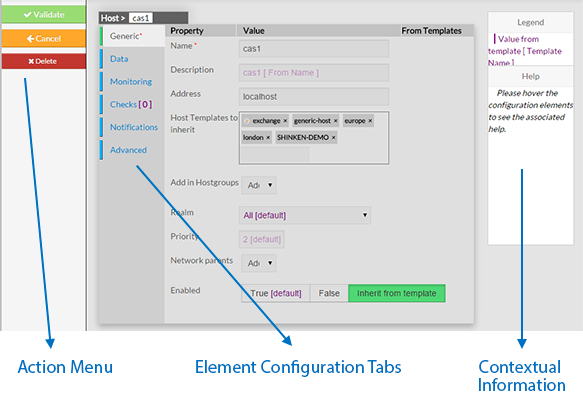
|
Action Menu
This Menu provides to the Administrator the common actions to Validate, Cancel, or Delete the selected object.
|
...
Every page for elements configuration are organized in the same way.
|
This Menu provides to the Administrator the common actions to Validate, Cancel, or Delete the selected object.
|
...