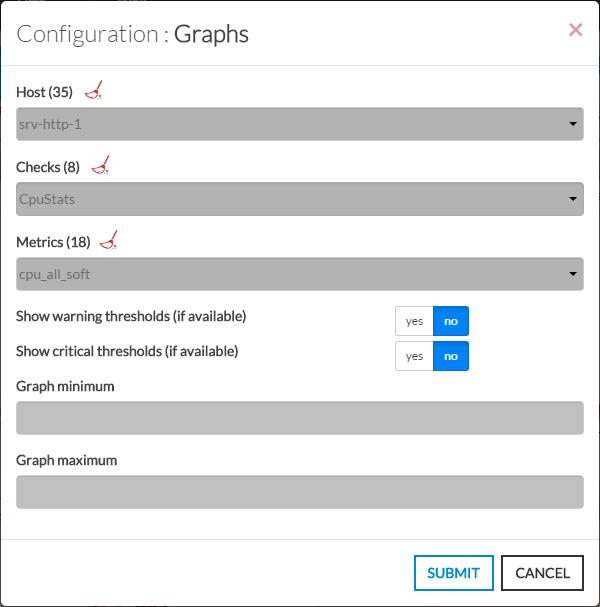
- Open the configuration box:
- Type the host in the edit field under Host.
- The total number of host and cluster will be displayed near Host (35 in our exemple).
- It will automatically show the list of available hosts.
- If you type characters, the list will be automatically filtered.
- As soon as you have typed 1 letter, a matching list of checks will be displayed below.
- Once the host is selected, it will fill in the check area with all available checks with metrics.
- Type or Select the checks.
- Once the check is selected, it will fill in the metrics area with all available metrics.
- Then select the metrics.
- Activate Warning and Critical thresholds display.
Note: a check may not have metrics. It depends of the command used to implement the check.
| 
|