...
Data Data is used to show and create variables used by Shinken Enterprise to execute commands. Those values are also called Macros. For a contact, data is useful to set values that will be used when notifying. As shown on the picture, when creating a new contact, no data are available, even if the new contact inherit from template. You can add local data by using the button. Data consists of in key / value pairs. | 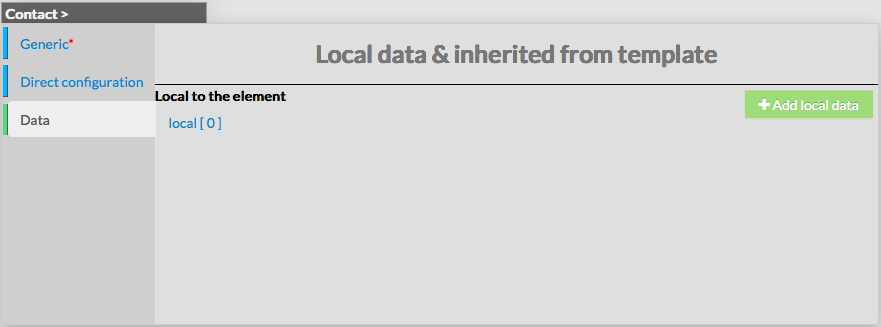 |
Modify a contact
| To modify properties of a contact, first go on the Contacts page, from the Main menu, and then click on the contact name you want to modify. | image |
| The form displayed is the same as the form used to create a new contact. All fields are filled with Contact properties. | |
Once changes have been made, configuration of the contact have to be saved by clicking the Validate button available on the left menu. Cancel button revert all changes to precedent previoust configuration. |
Delete a contact
...