Overview |
...
Host group usage is very useful in many ways :
|
...
| |
| You can access to the Hostgroups Host groups configuration by using the link in the main menu. | 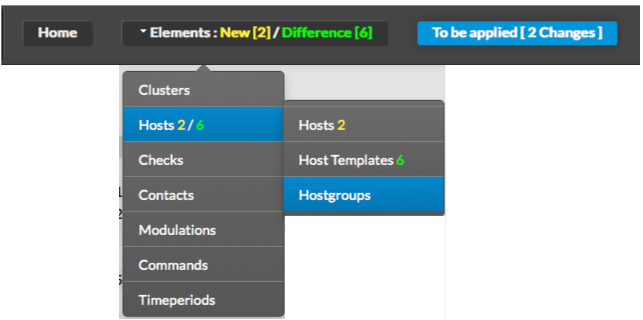 |
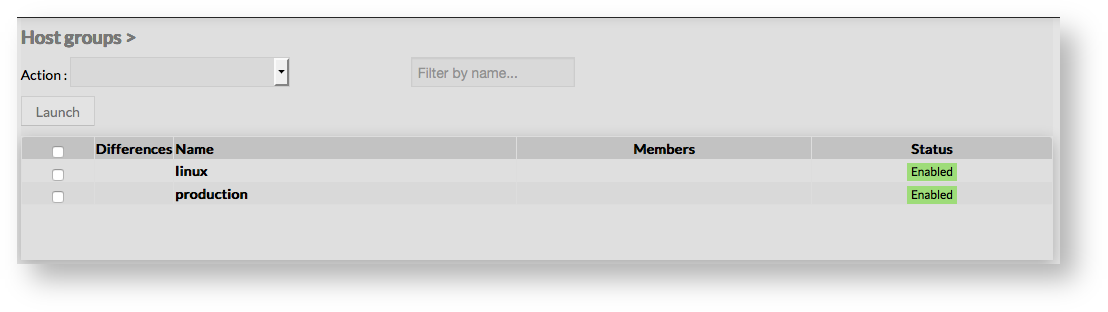
The main page of Hostgroups Configuration is composed of a table, listing all existing Hostgroups. This table contains the following informations :
A tool bar on top of the table, gives administrators the ability to do the following :
|  |
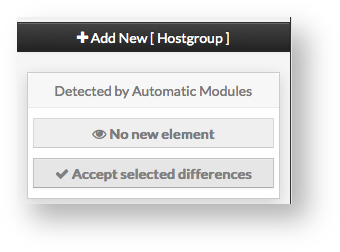
Like other configuration element pages, an action menu is displayed on the left. This Menu provides following operations :
|  |
...
Add a member to group
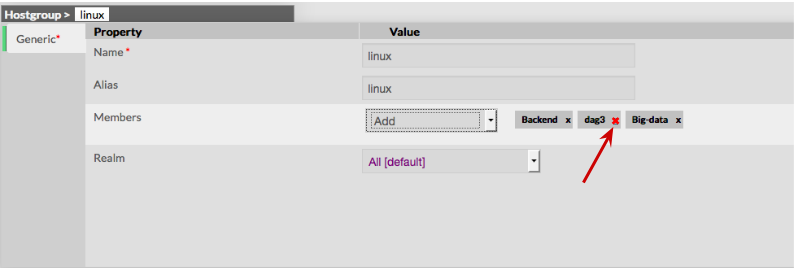
Then in the Hostgroup Form, select hosts you want to add by opening the selected list | 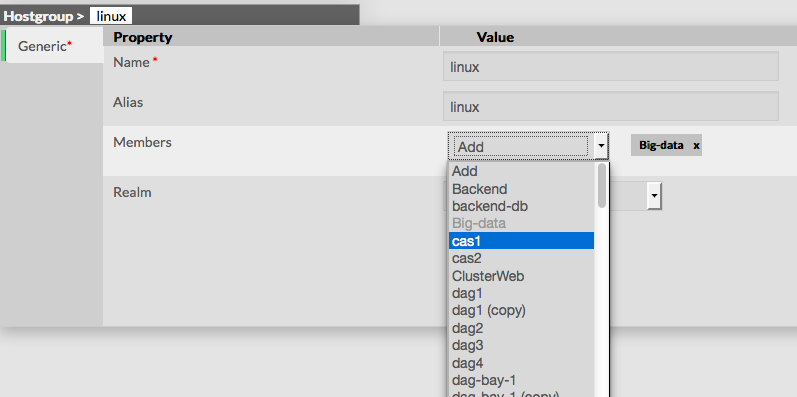 |
Add a member to group To remove a member, click on the mark displayed in the member.
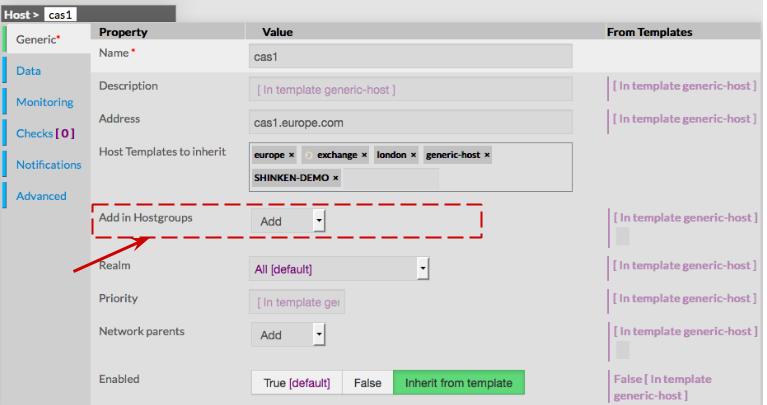
Add a host to a hostgroup To attach a hostgroup to a host, go first to the Hosts Page, then click on the Host of your choice. Form of the host is displayed, giving the ability to add the Host in one or more Hostgroups. |
|
Delete a Hostgroup
...