What is a check ? | |
Checks are configuration elements that answer to such questions :
Checks use Commands to execute Plugins. Plugins are command line tools performing tests, and returning results to Shinken Enterprise. Plugins can be any form of executable program the operating system that will execute it can understand (Binaries, Python, Perl, PHP, Bash, VB etc.). Commands are configuration elements making link between plugins and Shinken Enterprise. It is used to describe how plugins work, what arguments are necessary, and how to pass Shinken values (Data) to it.
Lots of plugins and commands are provided with Shinken Enterprise, responding to many cases of use :
| |
Accessing Checks Configuration | |
Checks Configuration can be accessed by the Main Menu "Elements". When pointing cursor over Checks in the Main Menu, a sub menu appears, showing 2 categories :
Select one of the sub categories to get into Configuration. Selecting Checks in the Main Menu, is the same as selecting Checks in the Sub Menu. | 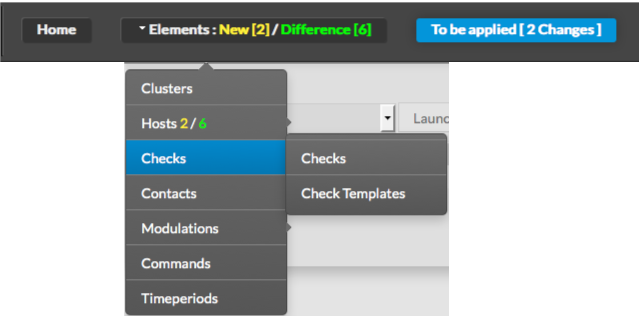 |
Page History
Overview
Content Tools
Tasks