...
The network scan can be setup directly in the Adminstration Interface.
| First click on the disocvery source in the home page. | 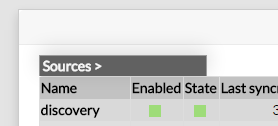 |
| Then click on the "See nework scan list" button: | 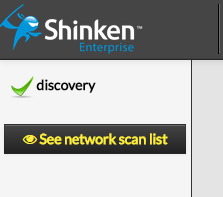 |
You can list the current network scan in |
...
the Discovery |
...
menu. You can enable new scan with |
...
the Add new scan |
...
button. |  |
| And you will see the configuration of a new scan: | 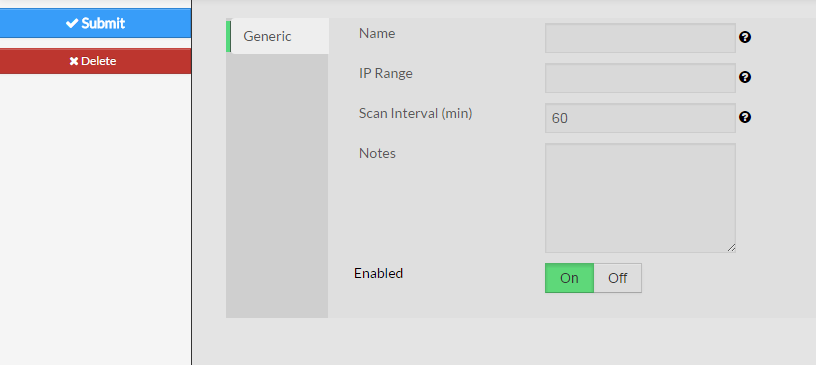 |
You must set up the following parameters:
|
...
|
...
Adding a new scan will automatically enable it and your new hosts or your new tags will appears in a few minutes. |
Add new port to host template rule
...