...
Each widget will be updated every minutes.
Preview the tile that summarizes the dashboard
- The tile present in hive is displayed on top left
- The tile is update in realtime after each modification
- Its behavior is exactly the same as that described in the chapter
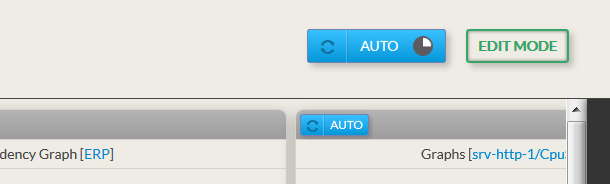
Auto ReloadBy default, the refresh is automatic and will occur every 60 secondes.
|  |
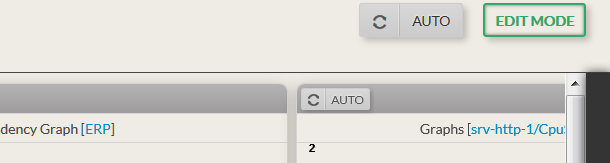
No ReloadIt may be useful to prevent refreshing a dashboard for analyzing current data:
|  |
Force a Reload
|  |
Enter in Edit Mode
|  |
...