Accès à l'interface | |||||||||
Pour accéder à l'interface, vous devez pointer vers l'URL présentée lors de l'installation. Par défaut, l’outil de configuration est accessible sur le port dédié | |||||||||
Access the interface | |||||||||
To access the Interface, you must point your Web Browser to the URL provided during installation. By default the Configuration Tool is accessible on the dedicated port 7766 (HTTP). For example Par exemple : http://172.16.1.130:7766 | |||||||||
Log in to the configuration tool | |||||||||
Se logger dans l'outil de configuration | |||||||||
Vous devez vous identifier pour accéder à l'outil d'administration : 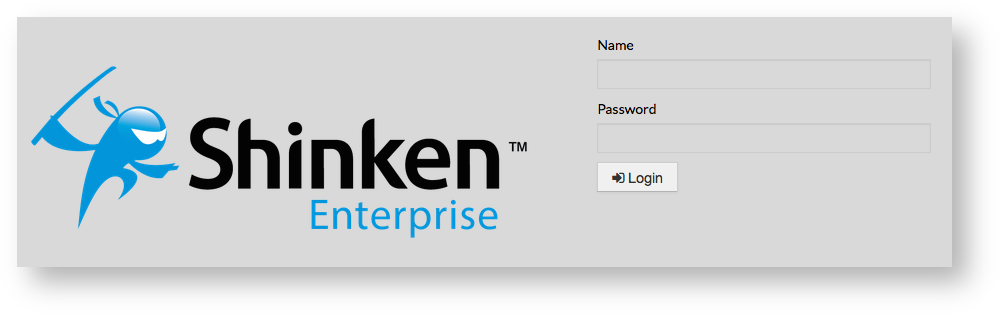
You must Sign in to access the Administration Tool :
| |||||||||
Page History
Overview
Content Tools
Tasks