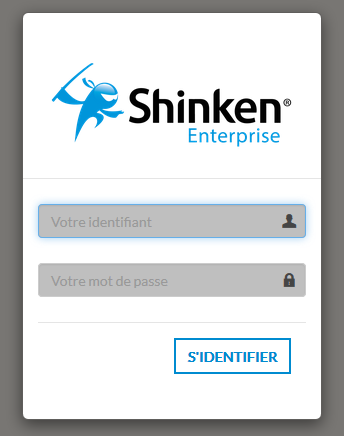
Accéder à l'interface
Pour accéder à l'interface, vous devez vous trouver sur l'URL proposée lors de l'installation.
Par défaut, l'interface est disponible sur le port dédié
Access the interface
To access the Interface, you must point your Web Browser to the URL provided during installation.
By default the Visualisation Tool is accessible on the dedicated port 7767 (HTTP). For example Par exemple : http://172.16.1.130:7767
- Contactez votre administrateur Shinken pour obtenir
- l'URL de l'UI de visualisation.
- Votre identifiant et votre mot de passe
Log in to
S'identifier dans Shinken Entreprise
- Enter your Username and Password
- click the Sign In button.
Please Note:
- If an error has occured (wrong login or password), you will be prompted.
- If shinken is connected to active directory, it will be your usual account.
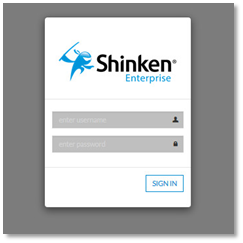
- Entrez votre Identifiant et votre Mot de passe.
- Cliquez sur le bouton S'identifier.
Note:
- S'il y a une erreur, vous serez aussitôt averti.
- Si Shinken Enterprise est connecté à un active directory, utilisez votre compte Windows habituel.
| Panel |
|---|
|