Overview | |
Host group usage is very useful in many ways :
|
You can access to the Host groups configuration by using the link in the main menu. |
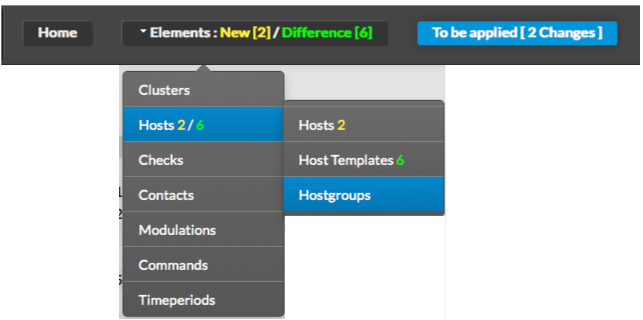
|
| |
The main page of | |
Host groups Configuration is composed of a table, |
Host groups. This table contains the following information:
|
|
|
A tool bar on top of the table, gives administrators the ability to do the following :
|
|
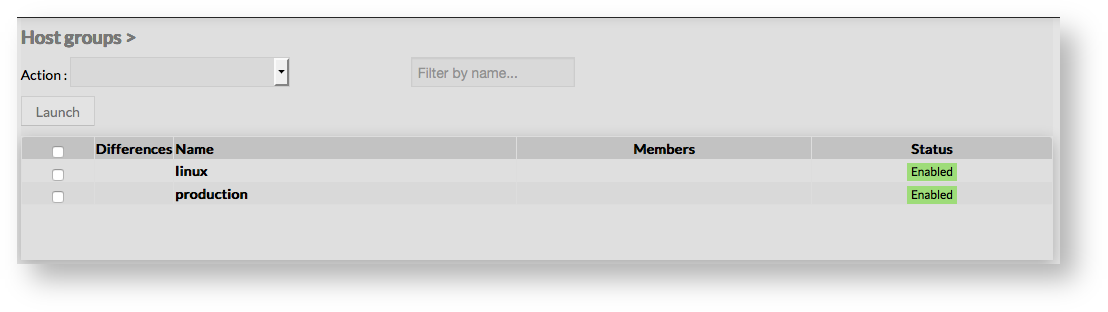
 |
Like other configuration element pages, an action menu is displayed on the left. This Menu provides following operations :
|
|
|
|
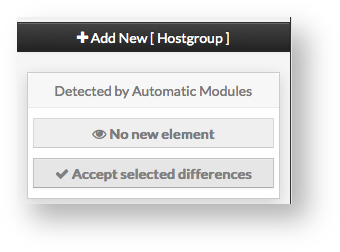
 | |
Create a new hostgroup | |
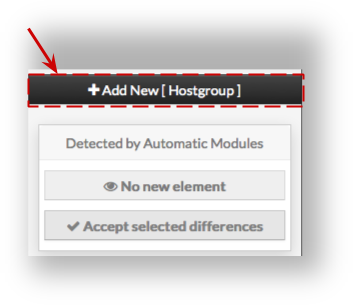
To create a new Host Group, use the button "Add new [Hostgroup]" located in the Action Menu.
| |
|  |
Host group creation form will be displayed. This form is composed of one tab, containing the following properties :
|
|

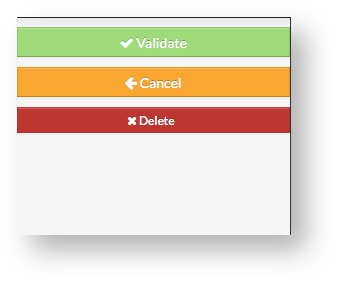
Like on other forms, the left menu give to Administrators the ability to :
Once validated, the new host group will appear in the table list.
|
 | |||||||
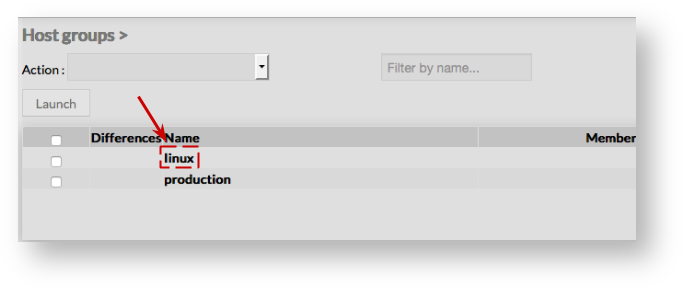
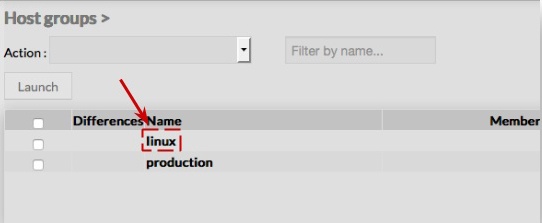
To modify properties of a host group, first go on the Host Groups page, from the Main menu, and then click on the Host group name you want to modify | |||||||
: |
|  |
The form displayed is the same form used to create a new host group.
|
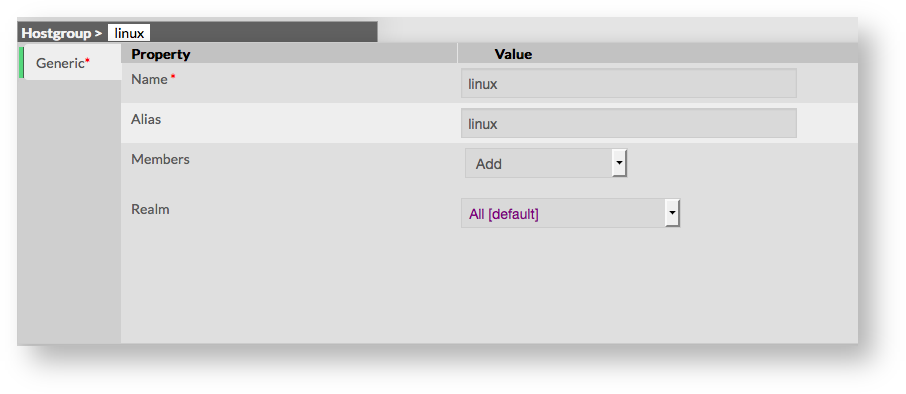
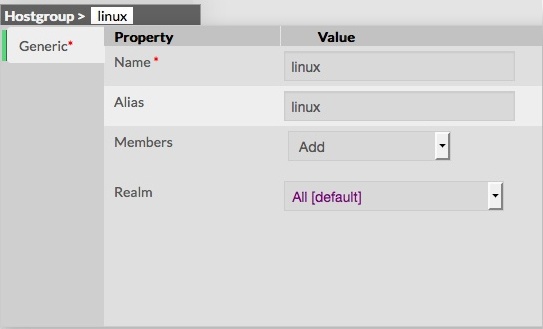 | |
Add or remove Members | |
| Members can be added either by editing the group, either by editing Host or Host Template. | |
Add a member to groupTo add one or more members, first edit the group of your choice.
| 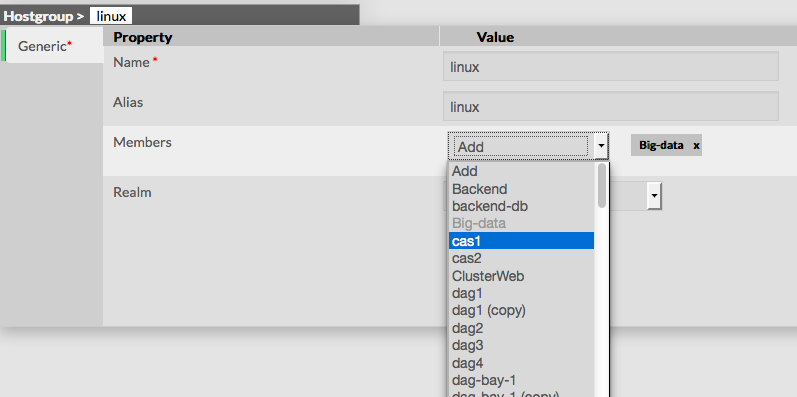 |
Remove a member to groupTo remove a member, click on the mark displayed in the member.
| 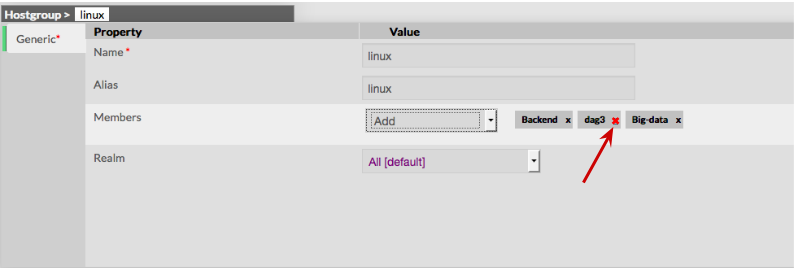 |
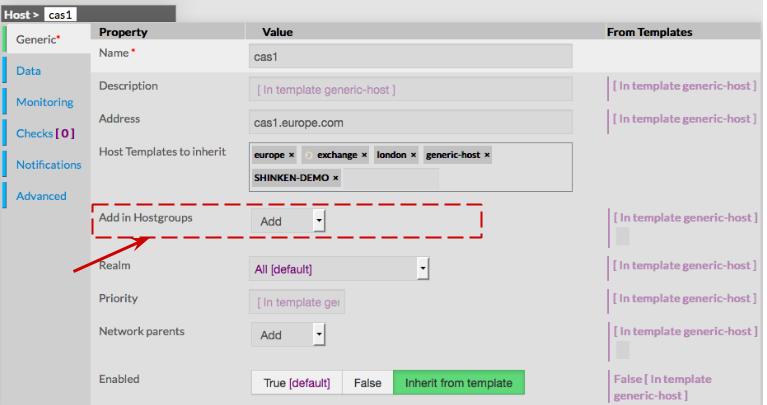
Add a host to a |
host groupTo attach a host group to a host, go first to the Hosts Page, then click on the Host of your choice.
|  |
Delete a | |
Host groupTo delete a |
host group, you can use the form of the host, or delete it directly from the list page. |
From the Form pageFirst go to the |
Host groups page, from the Main menu, then click on the |
host group name you want to delete.
Once in the page displaying the form, click on the Delete button available on the left menu. A confirmation popup will be displayed. |
|
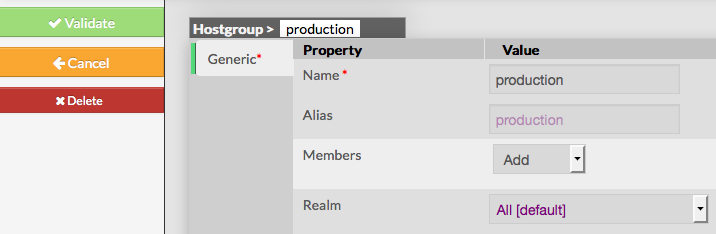
From the Main pageFirst go to the |
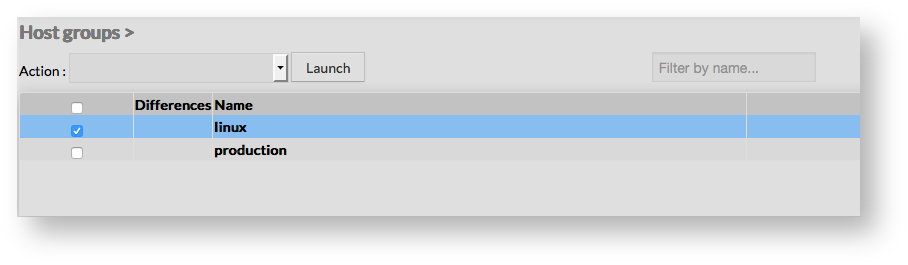
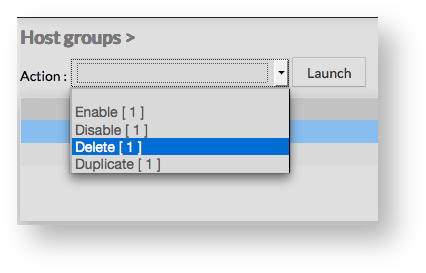
Host groups page, from the Main menu, then click on the check box placed on the first column of the table.
A confirmation popup will be displayed. |
|
|
Duplicate a | |
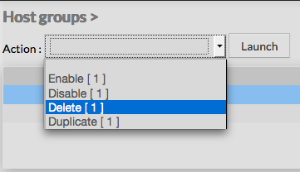
Host groupDuplication operation is very useful when similar |
Host groups must be added. |
To duplicate a |
host group, first go on the Main page listing all |
host groups, then select a |
host group by clicking on the check box placed on the first column. |
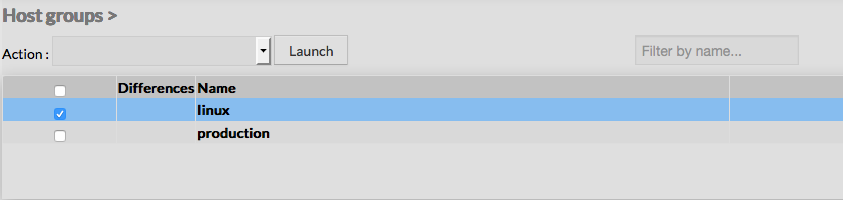
|
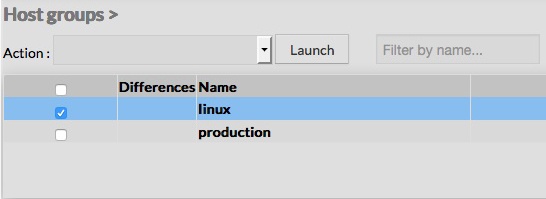 | |
Once selected, the |
host group can be duplicated
Duplication is executed by clicking the Launch button. |
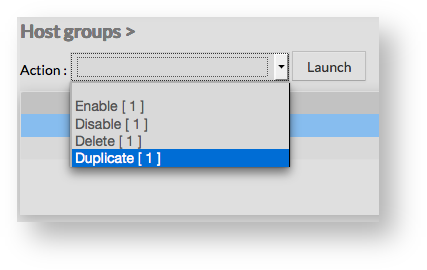
|
 | |
Using the Main page gives Administrators ability to Duplicate many | |
Host groups at once. All properties are kept when duplicating operation, as well as Members. Duplicated |
Host groups are totally detached and |
independent of the cloned |
Host group. No relation is made in the configuration. |