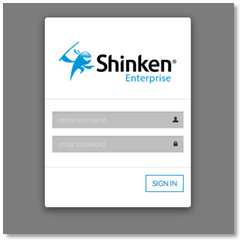
Access the interface
To access the Interface, you must point your Web Browser to the URL provided during installation.
By default the Visualisation Tool is accessible on the dedicated port 7767 (HTTP). For example : http://172.16.1.130:7767
Log in to
Shinken Entreprise
- Enter your Username and Password
- click the
- Sign In button.
Please Note:
- Selecting the Remember my login on this computer check box will prevent you from being automatically logged out of JIRA on a given browser and computer. However, your session will not be preserved, e.g. last search, current project, etc.
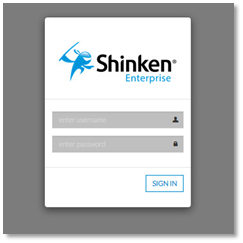
- If an error has occured (wrong login or password), you will be prompted.
- If shinken is connected to active directory, it will be your usual account.