Description
...
...
...
...
...
|
| Panel |
|---|
|
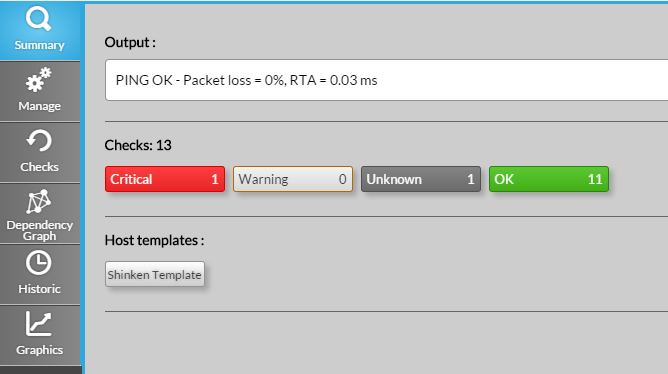
Usage
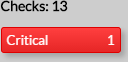
View the list of checks in a specific state
- Click on the chosen status button in the checks row to open the Checks Tab.
- The list of checks will be automatically filtered with the chosen status
View the list of host using the same template
- Click on the chosen template to open the List ALL, automaticaly filtered on host containing this template
| Panel |
|---|
|
| Panel |
|---|
|
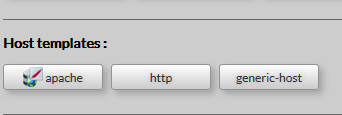
- Host templates : A button list of templates used by host in his configuration.
Click opens a new navigator tab with a list of the others elements which use the same template.
...