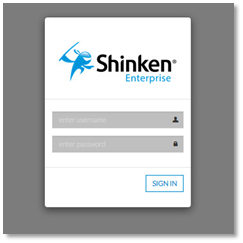
Log in to JIRA
- Enter your Username and Password and click the Log In button.
- If you have not changed your JIRA home page, the dashboard will be displayed. Otherwise, your chosen JIRA home page will be displayed instead.
Please Note:
- Selecting the Remember my login on this computer check box will prevent you from being automatically logged out of JIRA on a given browser and computer. However, your session will not be preserved, e.g. last search, current project, etc.