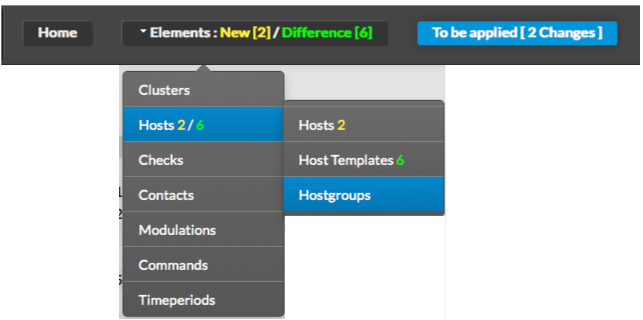
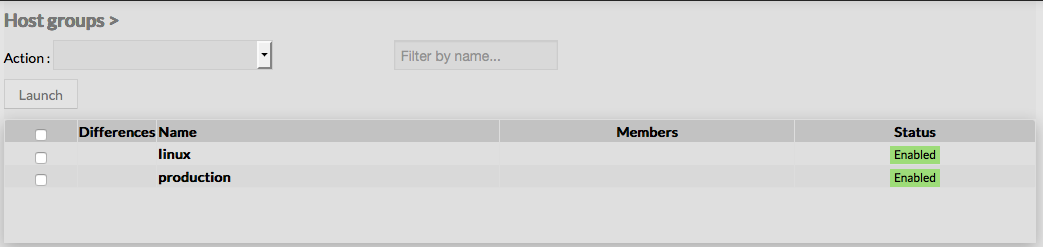
The main page of Hostgroups Configuration is composed of a table, listing all existing Hostgroups.
This table contains the following informations :
- Differences
- Name of the hostgroup
- Members of the hostgroup
- Status of the hostgroup (Enabled or Disabled)
A tool bar on top of the table, gives administrators the ability to do the following :
- Enable, Disable, Delete or Duplicate selected Hostgroups
- Filter List by Name
- Filter List by Template applied on Hostgroups
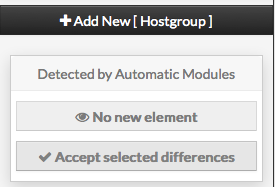
Like other configuration element pages, an action menu is displayed on the left.
This Menu provides following operations :
- Add en new Hostgroup
- Show hostgroup detected by automatic modules
- Accept differencies on selected elements