Access the interface
To access the Interface, you must point your Web Browser to the URL provided during installation.
By default the Configuration Tool is accessible on the dedicated port 7766 (HTTP). For example : http://172.16.1.130:7766
HTTPS
The UI can be now protected by an HTTPS access
- The file /etc/shinken/synchronizer.cfg has new parameters.
- To activate the HTTPS:
- http_use_ssl=0
- by default it is set to 0 (no HTTPS)
- Set it to 1 to activate.
- http_use_ssl=0
- Set certificates by updating the 2 following parameters:
- http_ssl_cert=/etc/shinken/certs/server.cert
- http_ssl_key=/etc/shinken/certs/server.key
| The files default files /etc/shinken/certs/server.cert and /etc/shinken/certs/server.key are just samples that are provided with the installation and MUST be changed by your own certificates. |
Accessing to the UI will still use the default dedicated port 7766 (but in HTTPS).
- For example : https://172.16.1.130:7766
Log in to the configuration tool
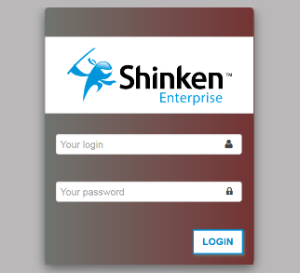
You must Sign in to access the Administration Tool :
- Enter your Username and Password
- Click the Login Button or hit Enter
- Enter your Username and Password
If an error occurred (wrong login or password), you will be prompted again |
Link the Login authentication to an Active Directory Server
It is possible to authenticate on Shinken Enterprise by using an Active Directory Server.
To enable this mecanism, see the documentation page: Active Directory/OpenLDAP authentication