Description
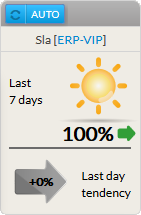
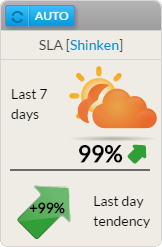
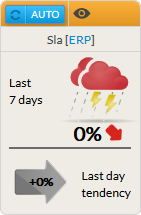
The SLA widget displays the availability (%) of the chosen element (cluster, host or check) for the last 7 x 24 hours.
2 SLA values are present:
- The previous day trend:
- It displays the SLA trend during the last day.
Usage
As the SLA refers to the availability of an element, a click on the widget will open the Detail panel of this element in the historic tab (see the Host Detail View and History Tab chapter for more details).
Configuration
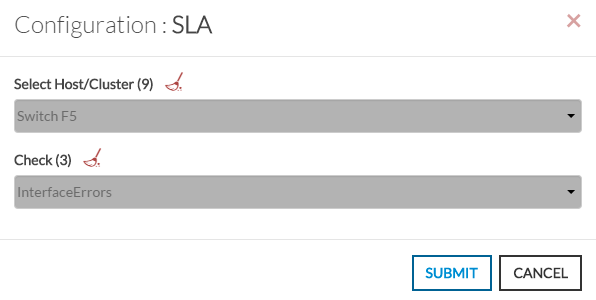
- Open the configuration box.
- Type the host or cluster name in the edit field under "Select Host/Cluster".
- The total number of hosts and clusters will be displayed near "Select Host/Cluster" text (9 in our example).
- It will automatically shows the list of available hosts.
- If you type characters, the list will be automatically filtered.
- As soon as you have typed 1 letter, a matching list of checks will be displayed below.
- Once your element is selected, if you want to monitor a specific check, you just have to type check name inside this second box.
- When configured, press the OK button.
| 
|