Overview
Host group usage is very useful in many ways :
- let Administrators to organize and order hosts by type, data centers, applications, family etc.
- let Administrators the ability to apply common properties like the Realm
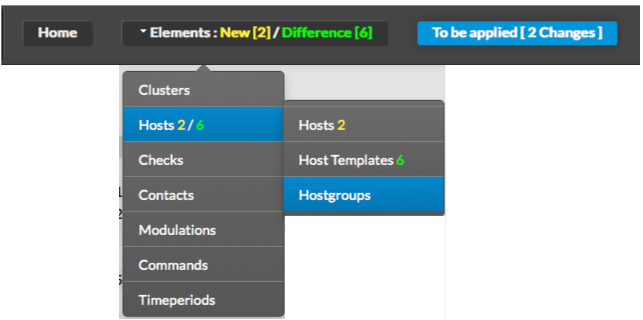
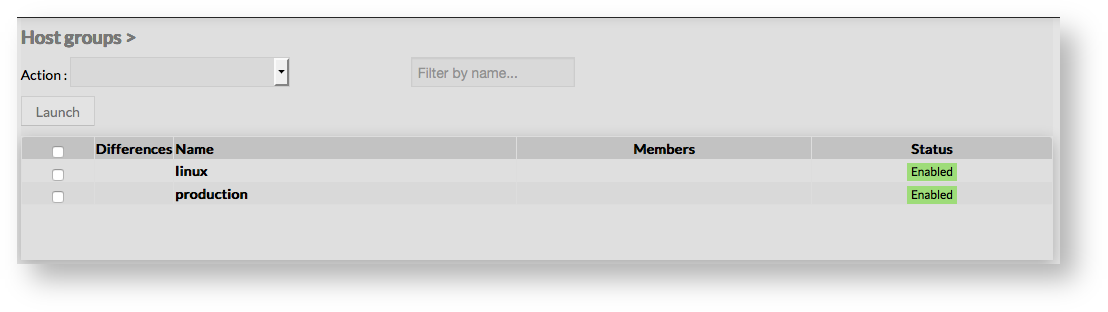
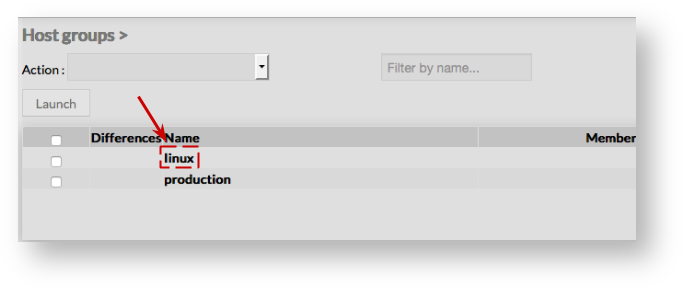
The main page of Hostgroups Configuration is composed of a table, listing all existing Hostgroups.
This table contains the following information:
- Differences
- Name of the hostgroup
- Members of the hostgroup
- Status of the hostgroup (Enabled or Disabled)
A tool bar on top of the table, gives administrators the ability to do the following :
- Enable, Disable, Delete or Duplicate selected Hostgroups
- Filter List by Name
- Filter List by Template applied on Host groups
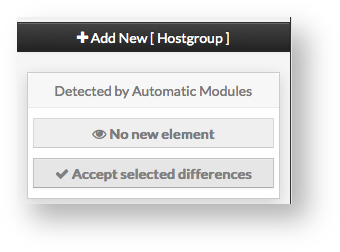
Like other configuration element pages, an action menu is displayed on the left.
This Menu provides following operations :
- Add en new Hostgroup
- Show hostgroup detected by automatic modules
- Accept differencies on selected elements
Create a new hostgroup
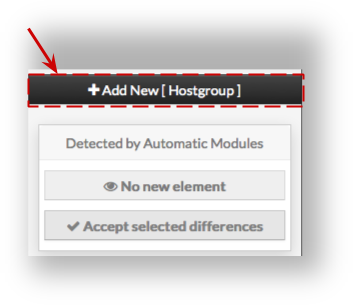
Host group creation form will be displayed.
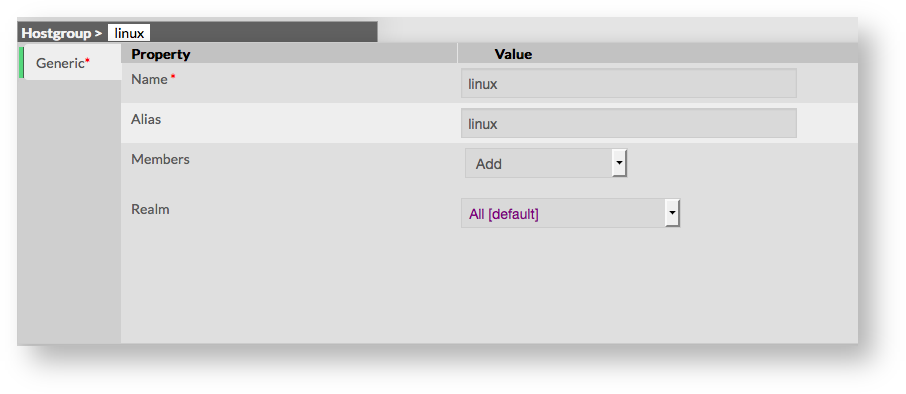
This form is composed of one tab, containing the following properties :
- Name
- used to define the name of the host group
- this field is required
- Alias
- used to define a longer name, or a description to identify the Host group
- Members
- used to include members in the host group
- fields is a list of members that can be added using the select list of existing hosts
- Realm
- used to define the Realm in which members should be monitored
- if no realm is selected, members will be monitored on their respective realm

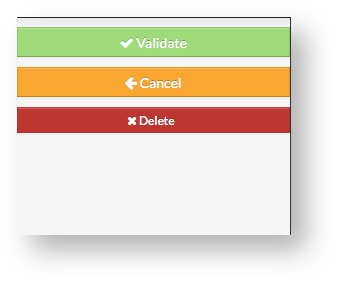
- Validate the new host group
- Cancel the action
- Delete the host group
Once validated, the new host group will appear in the table list.
 Modify a hostgroup
The form displayed is the same form used to create a new hostgroup.
All fields are filled using the hostgroup properties.
Add or remove Members
Add a member to group
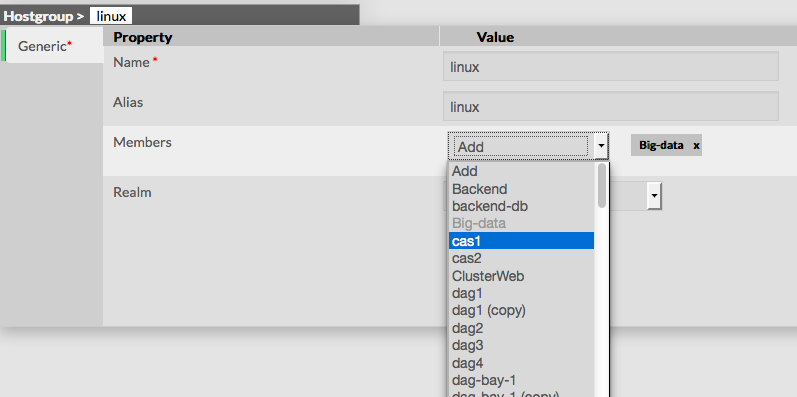
To add one or more members, first edit the group of your choice.
Then in the Hostgroup Form, select hosts you want to add by opening the selected list
Add a member to group
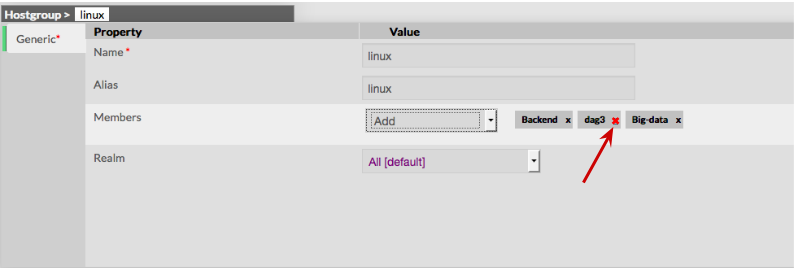
To remove a member, click on the mark displayed in the member.
Add a host to a hostgroup
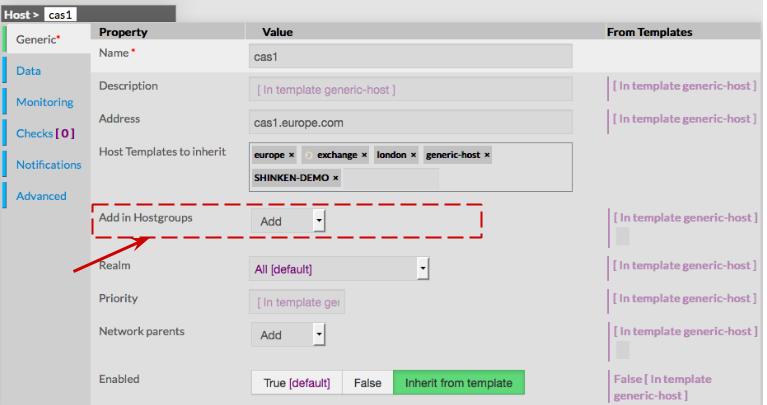
To attach a hostgroup to a host, go first to the Hosts Page, then click on the Host of your choice.
Form of the host is displayed, giving the ability to add the Host in one or more Hostgroups.
Delete a Hostgroup
From the Form page
First go to the Hostgroups page, from the Main menu, then click on the hostgroup name you want to delete.
Once in the page displaying the form, click on the Delete button available on the left menu.
A confirmation popup will be displayed.
From the Main page
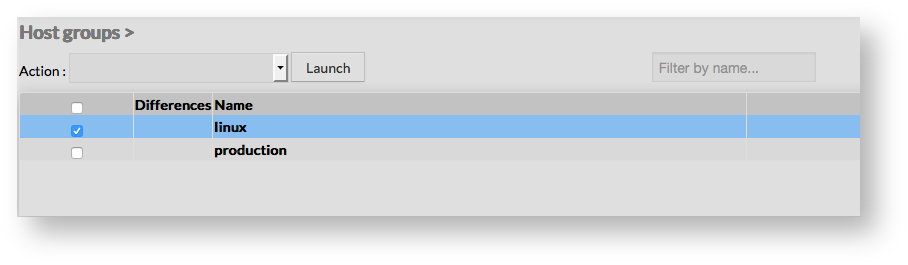
First go to the Hostgroups page, from the Main menu, then click on the check box placed on the first column of the table.
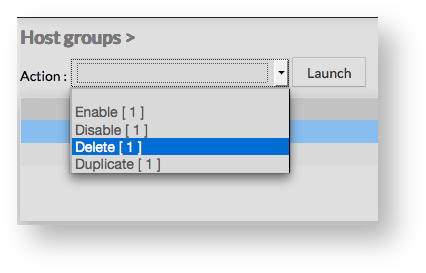
Use the Action menu on the top to select Delete, and click to the Launch Button.
A confirmation popup will be displayed.
Duplicate a Hostgroup
To duplicate a hostgroup, first go on the Main page listing all hostgroups, then select a hostgroup by clicking on the check box placed on the first column.
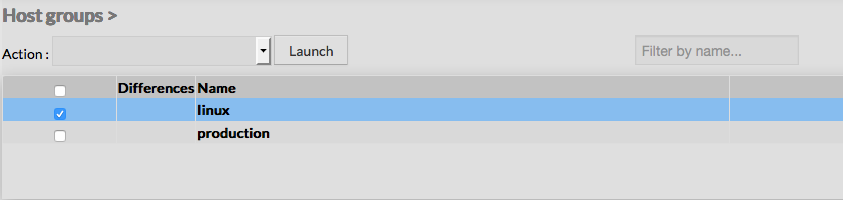
Once selected, the hostgroup can be duplicated by selecting Duplicate in the select Action of the tool bar. Duplication is executed by clicking the Launch button.
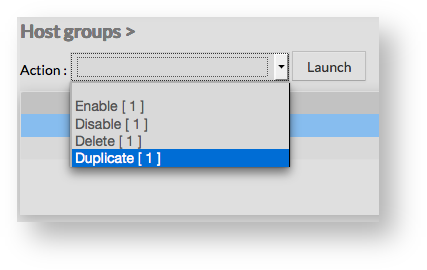
Using the Main page gives Administrators ability to Duplicate many Hostgroups at once.
All properties are kept when duplicating operation, as well as Members.
Duplicated Hostgroups are totally detached and independant of the cloned Hostgroup. No relation is made in the configuration.