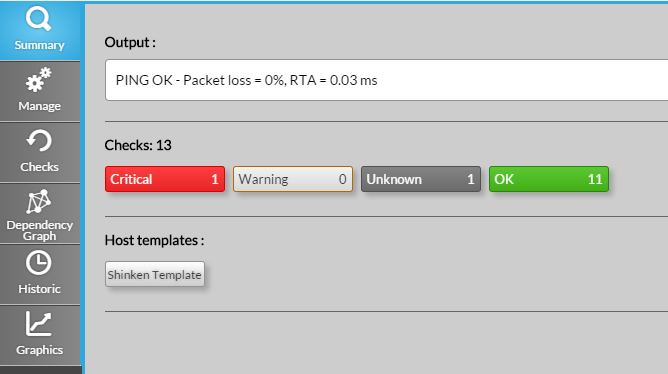
This tab will provide you an overview of the element. It is splitted in 3 rows.
- Output : displays the return of the last check on the element.
- Checks :
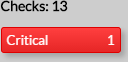
- Total count of attached checks to the element.
- Buttons that shows the repartition of checks per status
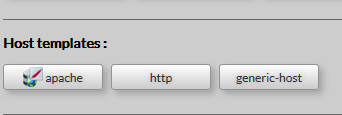
- Host templates :
- The list of host templates attached to this element (only for host)