Generally speaking, the aim of a Dashboard is to contain all information that will help you to monitor a bunch of elements, a concept or whatever you decide. It is only a visual container which will help you to be more efficient in your monitoring tasks.For example, you can dedicate a Dashboard to monitor an ERP, containing all information that may help you to be sure that the ERP of the company is running well:
- Summary status of important elements (like hosts, database,fire wall, ...)
- The complete map of the ERP elements displaying dependance relationship between elements.
- In case the ERP is down, the list of roots problems that need to be investigated first.
- Graphics, SLA, ...
OVERVIEW
A dashboard is always linked to a tile of the hive.
- You can access to a dashboard by clicking on the tile representing it in the hive.
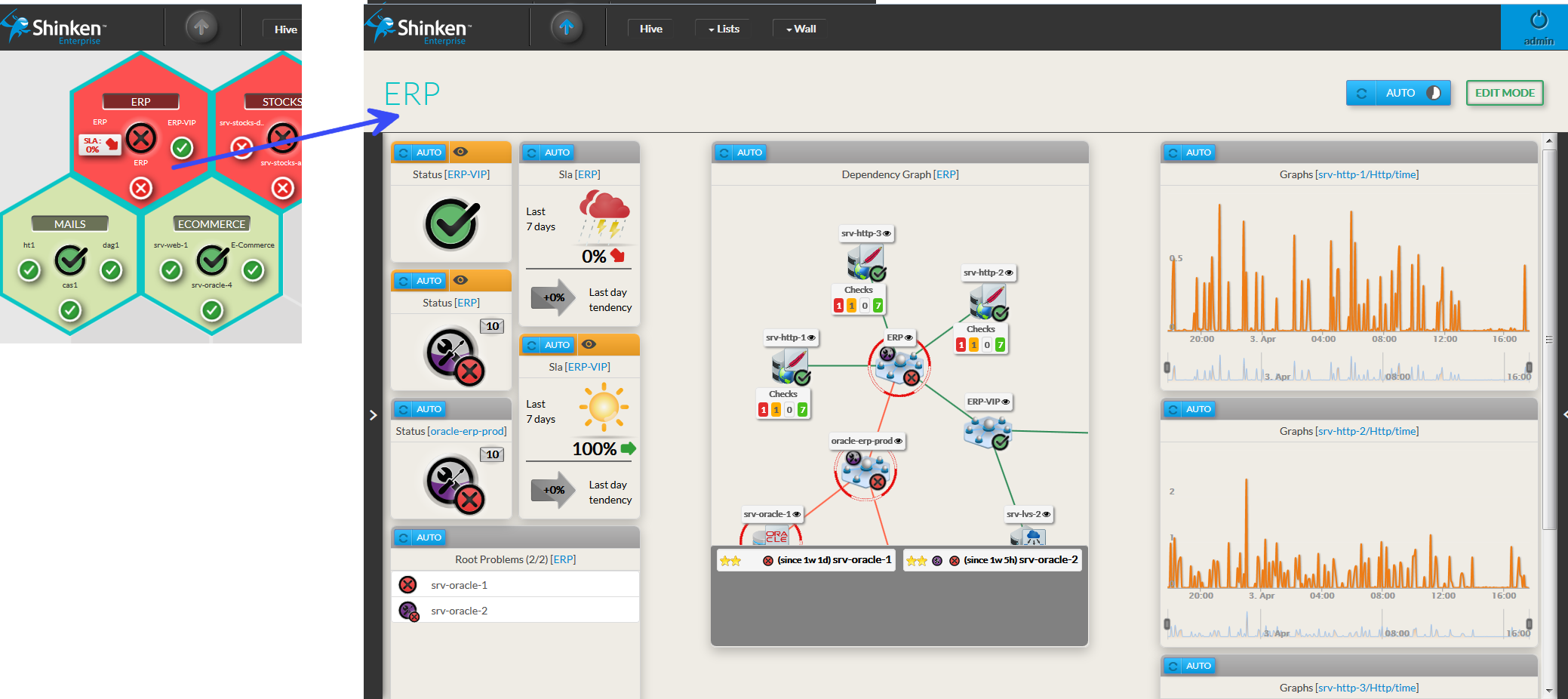
In our exemple, the ERP dashboard consists in 10 boxes that contain information of the concept we want to monitor.
- We call these boxes Widgets (see widgets chapter for more details).
You can easily switch between dashboards of the same color group.
- Click on the left border of the dashboard.
- The list of dashboards belonging to the group will appears automatically.
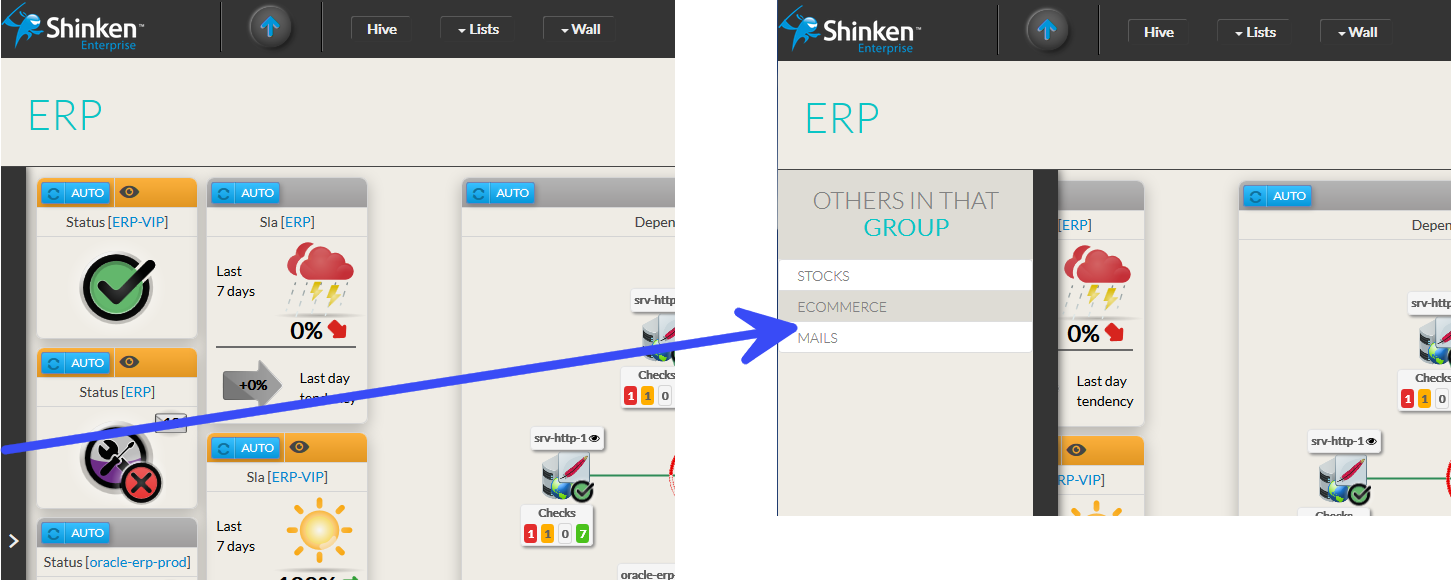
A Dashboard has 2 modes:
- Visualization (view monitoring information)
- Edition (organize the dashboard)
When you open a dashboard, you are in Visualization mode as default.
Visualization mode
Each widget will be updated every minutes.
Preview the tile that summarizes the dashboard
- The tile present in hive is displayed on top left
- The tile is update in realtime after each modification
- Its behavior is exactly the same as that described in the chapter Hive
Auto Reload
By default, the refresh is automatic and will occur every 60 secondes.
|
|
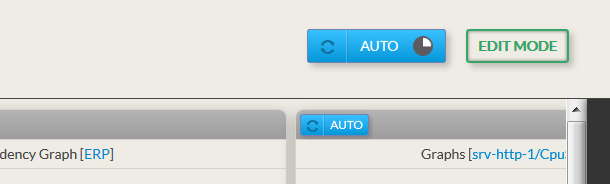
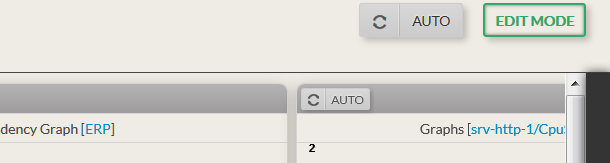
No ReloadIt may be useful to prevent refreshing a dashboard for analyzing current data:
|  |
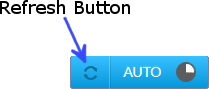
Force a Reload
|  |
Enter in Edit Mode
|  |
Edit Mode
You can organize the dashboard as you want : changing the layout of widgets, add widgets,...

The edit mode includes some specific access: | |
|
|
|
|
Move widgets
| |
Add a widgets
|  |
Edit and Remove widgets are described in the widgets chapter. | |
Resize a widget
|
|