Contexte
La commande de notification SHINKEN EXAMPLE [ notify-service-by-email-with-thresholds-display ] - Clone before use permet d'envoyer un mail de notification
|
Paramétrage
$NOTIFPLUGINDIR$/notify_by_email.py --title-tpl $NOTIFPLUGINDIR$/service_alert_title_template.tpl --content-tpl $NOTIFPLUGINDIR$/service_alert_content_template.tpl -F "$SENDER$" -r "$CONTACTEMAIL$" -n $NOTIFICATIONTYPE$ -H "$HOSTNAME$" --address "$HOSTADDRESS$" --url $MAILURL$ --huuid $HOSTUUID$ --serviceuuid $SERVICEUUID$ --check "$SERVICEDESC$" --state $SERVICESTATE$ --last-state $LASTSERVICESTATEID$ --last-change $LASTSERVICESTATECHANGE$ --last-check "$DATE$ $TIME$" --output "$SERVICEOUTPUT$" --long-output "$LONGSERVICEOUTPUT$" --ack-author "$ACKAUTHOR$" --ack-data "$ACKDATA$" --downtime-comment "$SERVICEDOWNTIMECOMMENT$" --downtime-author "$SERVICEDOWNTIMEAUTHOR$" --first-notification-delay "$SERVICEFIRSTNOTIFICATIONDELAY$" --notification-number "$SERVICENOTIFICATIONNUMBER$" --realm "$HOSTREALM$" --thresholds-display "$SERVICETHRESHOLDSDISPLAY$" |
Données de configuration du script d'envoi de mail
Données de fonctionnement indispensable pour une notification minimal
Données pour compléter l'affichage du contenu du mail
Données pour l'affichage des seuils
| Nom | Modifiable sur | Description | |
|---|---|---|---|
| Le check ( Onglet Supervision ) | Rendu de l'affichage des seuils |
Exemple
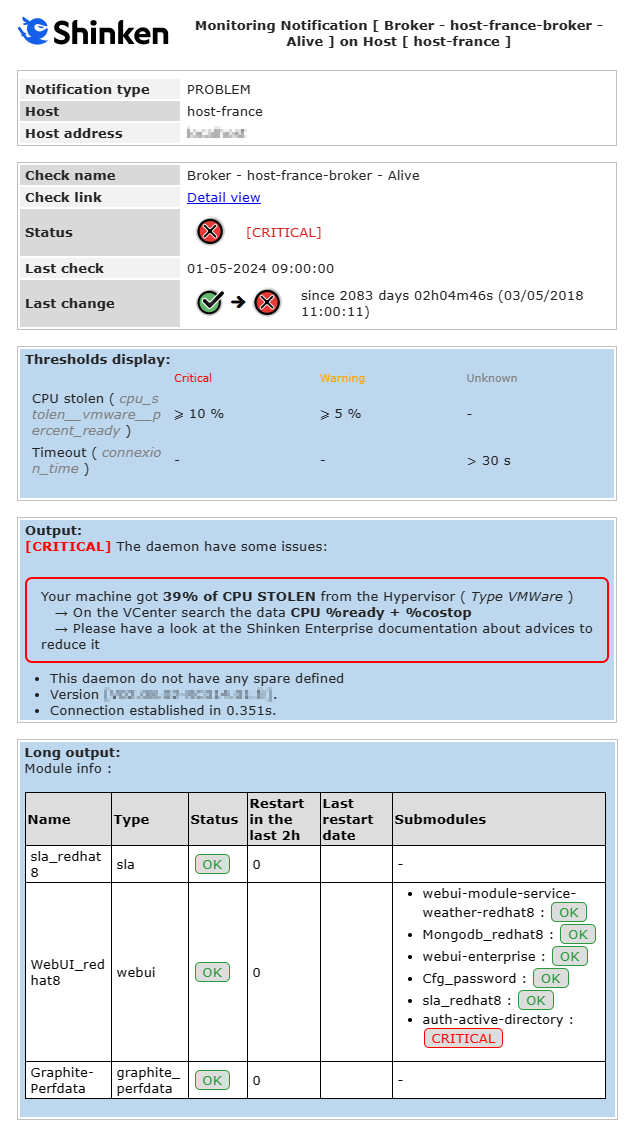
Notification type - PROBLEM
|
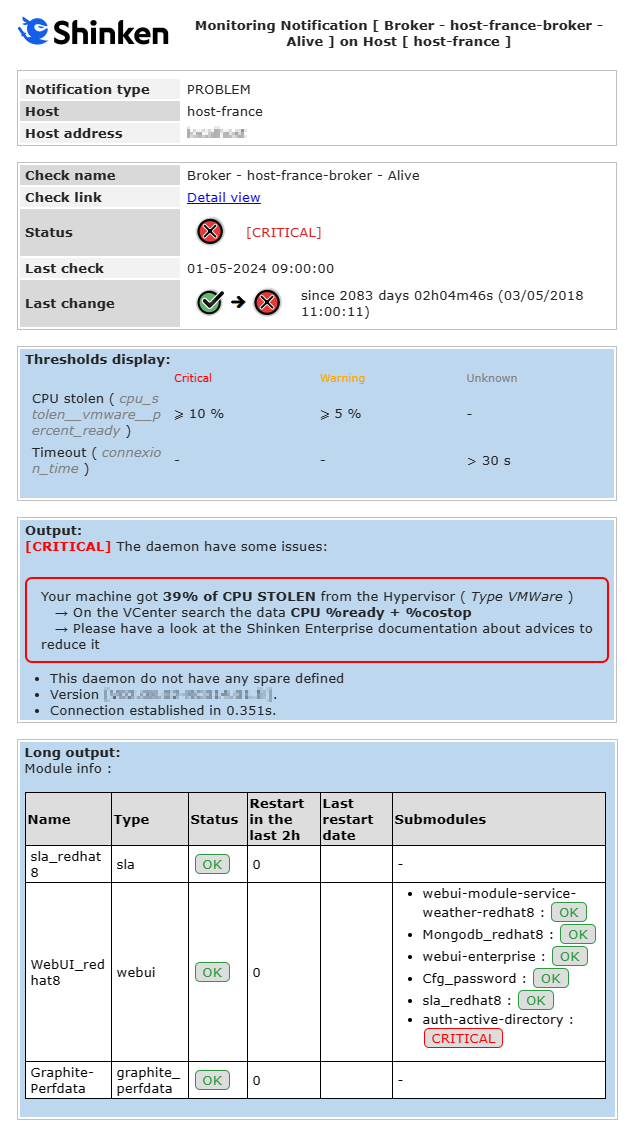
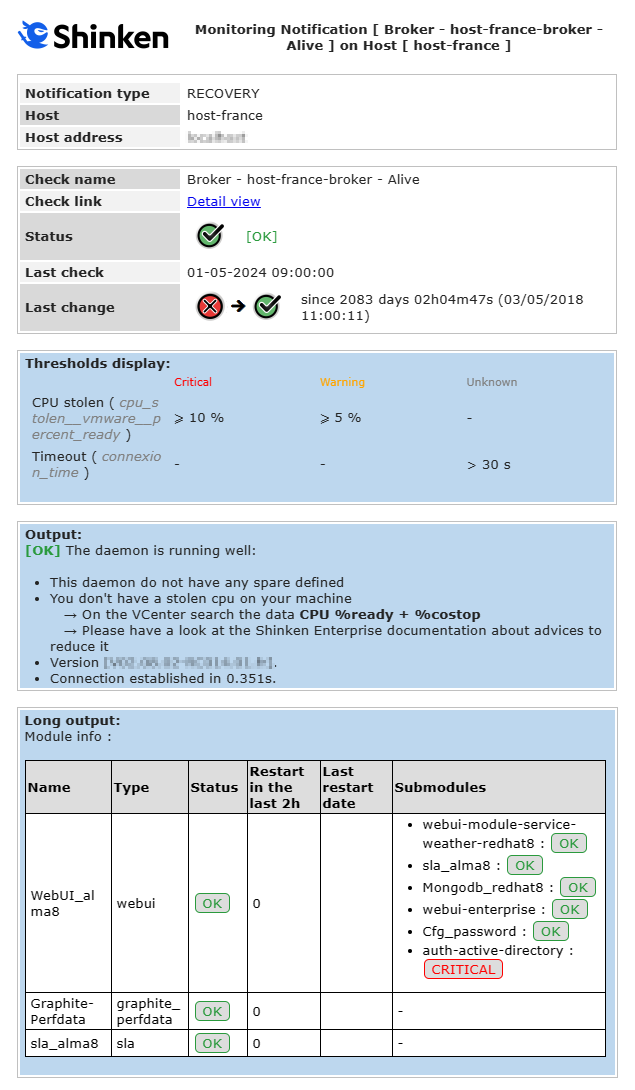
Notification type - RECOVERY
|