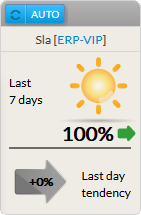
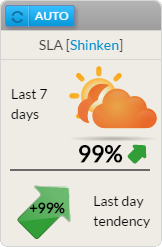
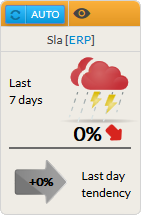
Description
Le widget SLA présente le taux de disponibilité (%) de l'élément choisi (cluster, hôte ou check) pour les derniers 7 x 24 heures.
2 valeurs sont disponibles :
- La tendance du jour précédent:
- présentation du SLA du jour précédent.
Utilisation
Le SLA faisant référence au taux de disponibilité d'un élément, un click sur le widget ouvrira le panneau détail de cet élément (voir les chapitres Host Detail View et History Tab ).
Configuration
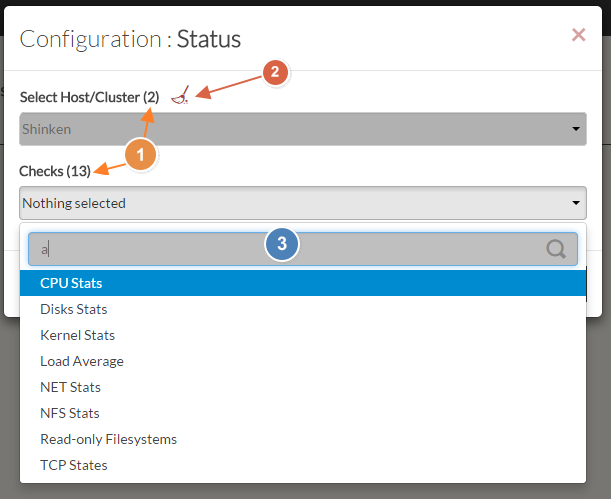
- Select a host or cluster name in the first list.
- The total number of hosts and clusters will be displayed near "Select Host/Cluster" (1).
- If no host selected yet, the list of available hosts will automatically opened.
- You can search (filter) for a host name, typing into the input on top of the list (3).
- You can clean the current selection by clicking on the swipe icon (2).
- Once your element is selected, if you want to monitor a specific check, you just have to select check name inside the second list.
- When configured, press the SUBMIT button.
| 
|