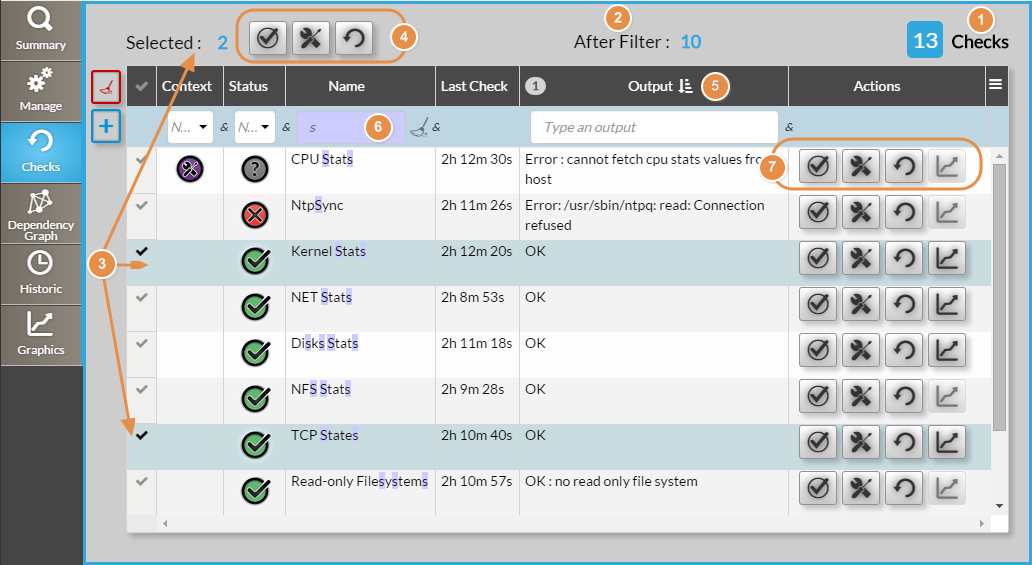
The checks tab displays all the checks attached to the host.
(1) Total Count of checks
(2) Count of checks after filtering (6)
(3) Count of selected check rows in the list. On the selection you can perform 3 group actions (4) :
(5) can be sorted (possible multiple sorts)
(6) can be filtered (possible multiple filters)
(7) In "Actions" column, 4 buttons are available for each check row.
There are the same 3 actions already available in the header plus a fourth action : 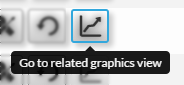 which opens the Graphs Tab with the check already developed.