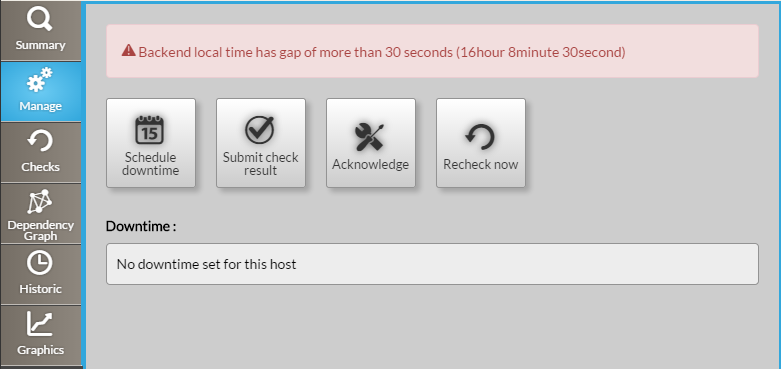
Button schedule downtime

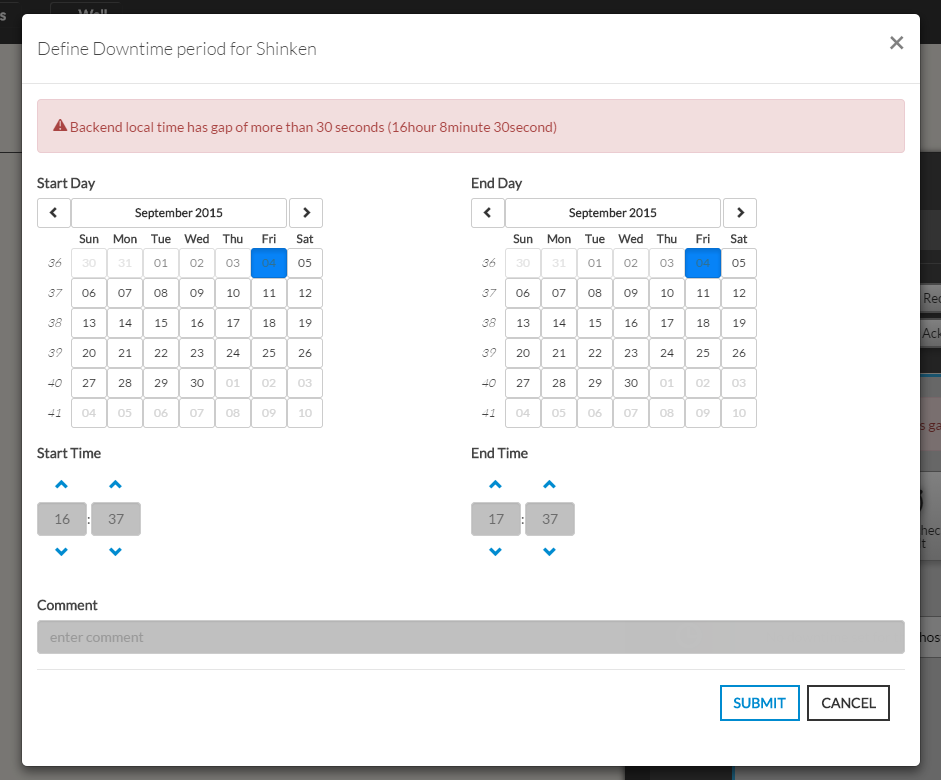
It opens the following pop-up. The form presents two calendars and two hour selectors. Defines a Start and a End for the downtime period for the downtime period. Even if not mandatory, we advise you to add a comment as it wil be
very usefull as any body looking for the list of planned downtime.
The purpose of the downtime will be displayed in the list of downtime.
|  |
Button Submit check result

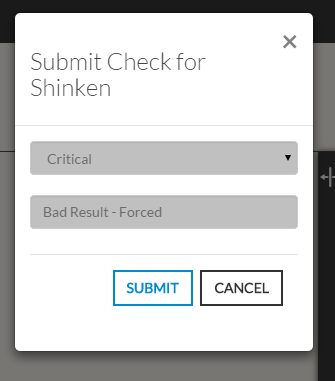
- This button opens a modal form to force the status of the element
Note: On submit, the element status will be updated with your selection and
the new output will be displayed in the Summary tab. The new "forced" status will only be valid until the next check.
|  |
Acknowledge

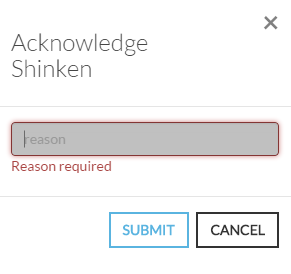
- This button opens a modal form to acknowledge the current status of the host.
- The acknowledgement informs that issue (Critical, Warning, Unknown) has been taken
into account by a user.- A text describing the reason is required to submit the acknowledge.
- The context of the Element will change to Acknowledge ( See Status & Context )
|  |
Remove Acknowledge

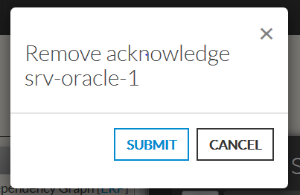
- This button opens a modal form to remove the current Acknowledge context
set on the element.
|  |
Recheck Now- This button force ask to the Shinken Enterprise Backend for a check of the host status.
| |

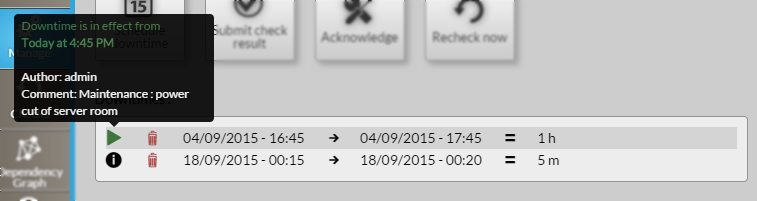
 , on hover, shows the author of the downtime and the comment given (like explained in "Action Buttons : Schedule downtime").
 icon (like shown in this picture, in green).
 in the desired downtime row.