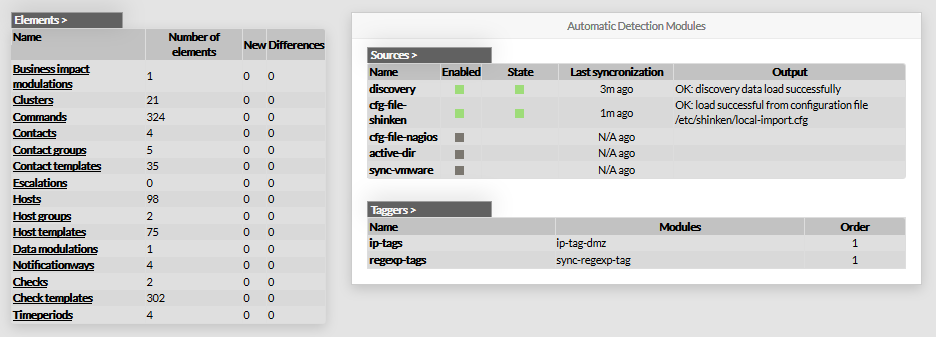
It contains an overview of
- The New and Staging configuration database.
- the Automatically detected elements in the database
The page is divided in 3 parts:
- The menu
- Elements overview panel on the left
- Automatic Detection Modules panel on the right
Data shown on this page are retreived from Shinken Backend
each time the page is called.