Shinken Enterprise allows you to detect network checks and physical type of your servers located in your IT.
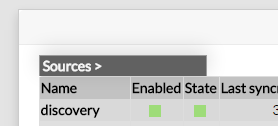
The network scan can be setup directly in the Adminstration Interface. First click on the disocvery source in the home page.
Then click on the "See nework scan list" button:
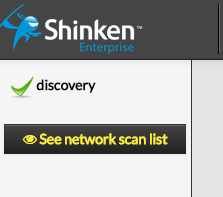
You can list the current network scan in the Discovery menu.
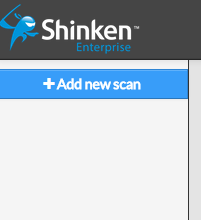
You can enable new scan with the Add new scan button.
And you will see the configuration of a new scan:
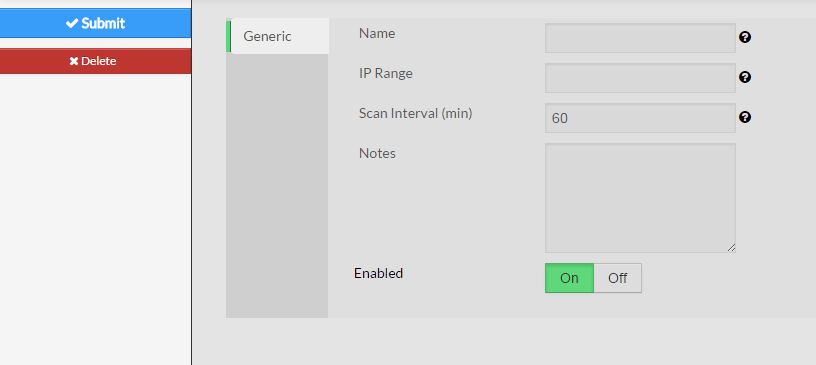
You must set up the following parameters:
Adding a new scan will automatically enable it and your new hosts or your new tags will appears in a few minutes.