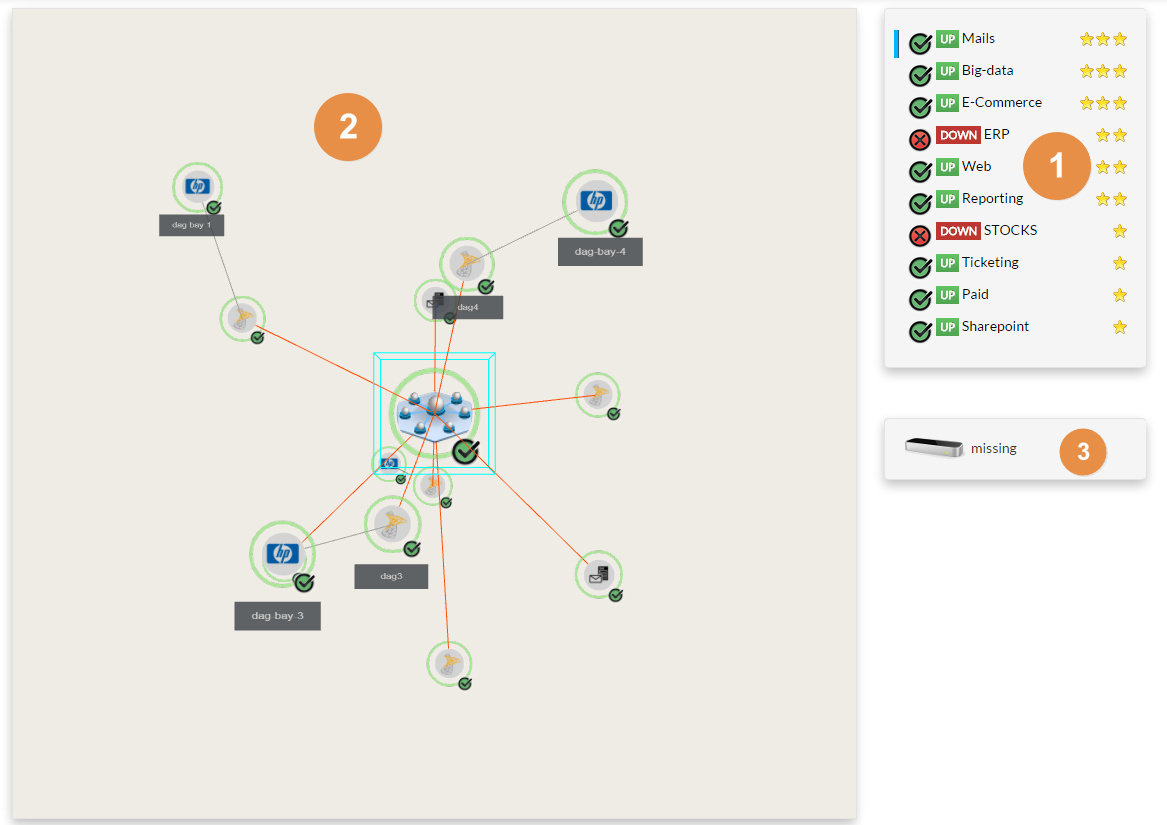
The list of key business elements- The blue bar identify the selected element
- Click on the name of the element to select it
- Elements are sorted by priority
- The view displays elements with a Priority of 3 and above
- 3 => 1 star
- 4 => 2 stars
- 5 = 3 stars
The 3D view- The 3D tree of the selected Element dependency.
- By default, you can use the mouse to manipulate the view :
- The double click will zoom and center the view on the selected element.
A blue box will surround this element. - Maintain the left mouse button pressed and move the mouse to make a rotation
of the tree around the selected element - Maintain the right mouse button pressed to shift the tree in the 4 directions
The presence of a leap motion device
- You will be able to manipulate the 3D view with your hands
- If not plugged:
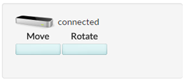
 - If plugged:
 - See www.leapmotion.com
|  |
Add Comment