Description
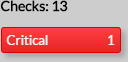
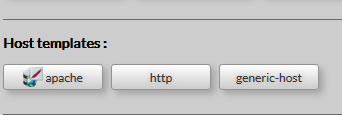
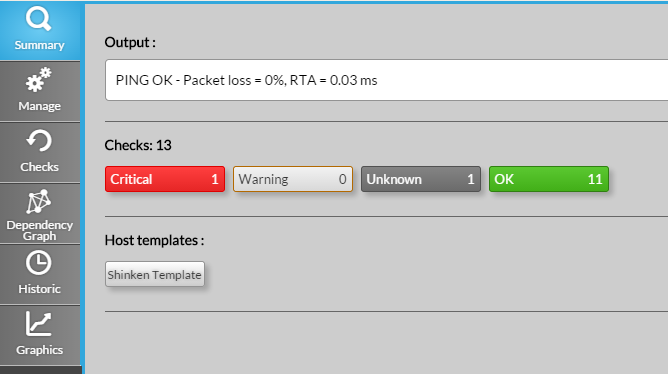
This tab will provide you an overview of the element. It is splitted in 3 rows.
|
Usage
View the list of checks in a specific state
- Click on the chosen status button in the checks row to open the Checks Tab.
- The list of checks will be automatically filtered with the chosen status
View the list of host using the same template
- Click on the chosen template to open the List ALL, automaticaly filtered on host containing this template