Overview
| You can access to the Hostgroups configuration is accesible by using the link in the main menu. | 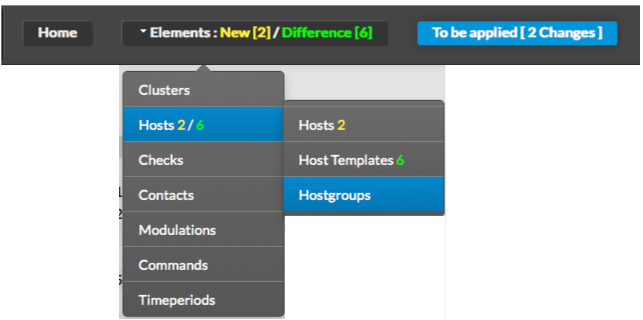 |
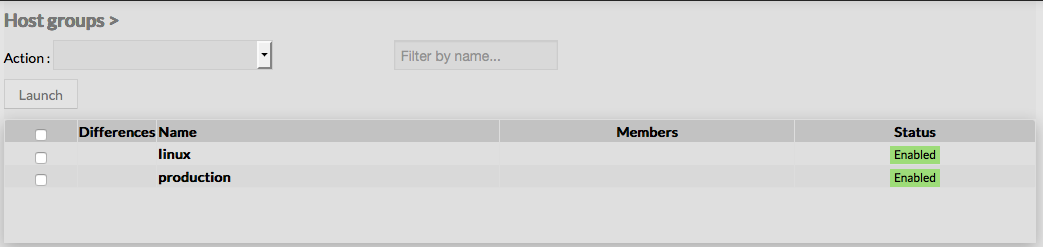
The main page of Hostgroups Configuration is composed of a table, listing all existing Hostgroups. This table contains the following informations :
A tool bar on top of the table, gives administrators the ability to do the following :
|  |
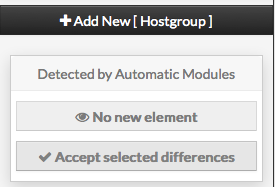
Like other configuration element pages, an action menu is displayed on the left. This Menu provides following operations :
|  |
...