...
| To create a new Contact, use the button "Add new [Contact]" located in the Action Menu | 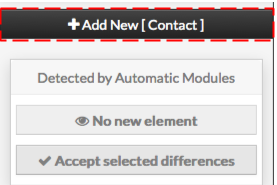 |
Contact creation form will be displayed. This form is composed of tabs, corresponding to categories of properties :
| 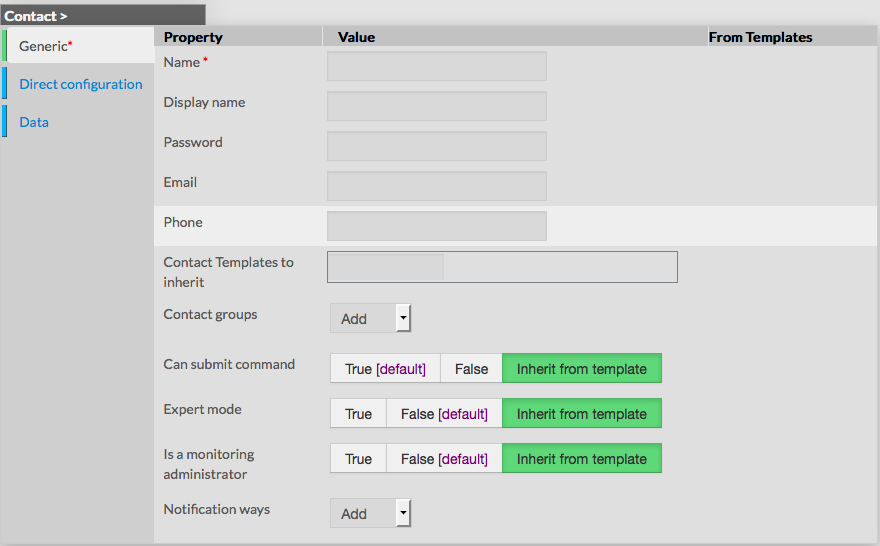 |
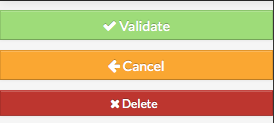
The left menu give to Administrators the ability to :
|  |
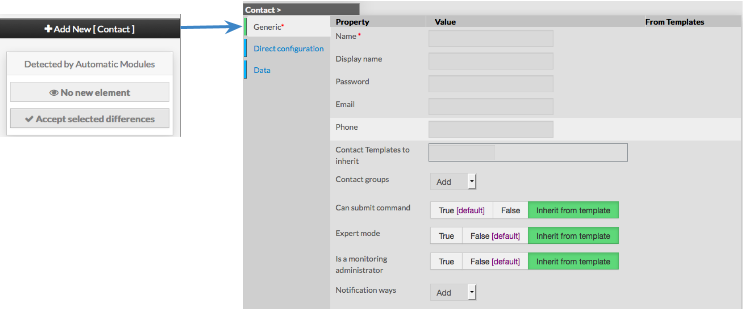
For each category, a corresponding form is displayed.
...