Description
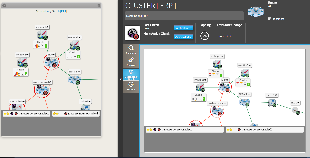
This tab shows the dependency tree of a host or a cluster.
It has the same behaviour as the Widget Dependency Graph.
- The 2D tree starts from the chosen element (host or check), and displays dependency links:
- Cluster definition (see Clusters).
- Links manualy defined between elements in the UI configuration Host chapter.
- Cluster definition (see Clusters).
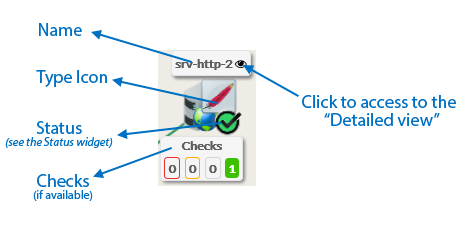
- A Node will be the representation of either a host, a cluster or a check.
- Each element has 4 components:
|
|
|